
Your account and settings
The account menu at the bottom of the navigation opens Profile, Notifications, Settings and Sign out.
- Profile shows your name, email, system role, current organization and role, and this browser’s language, time zone and theme. It is read-only.
- Notifications lists the invitations waiting for you, with Accept and Decline. The account menu counts them.
Settings
Section titled “Settings”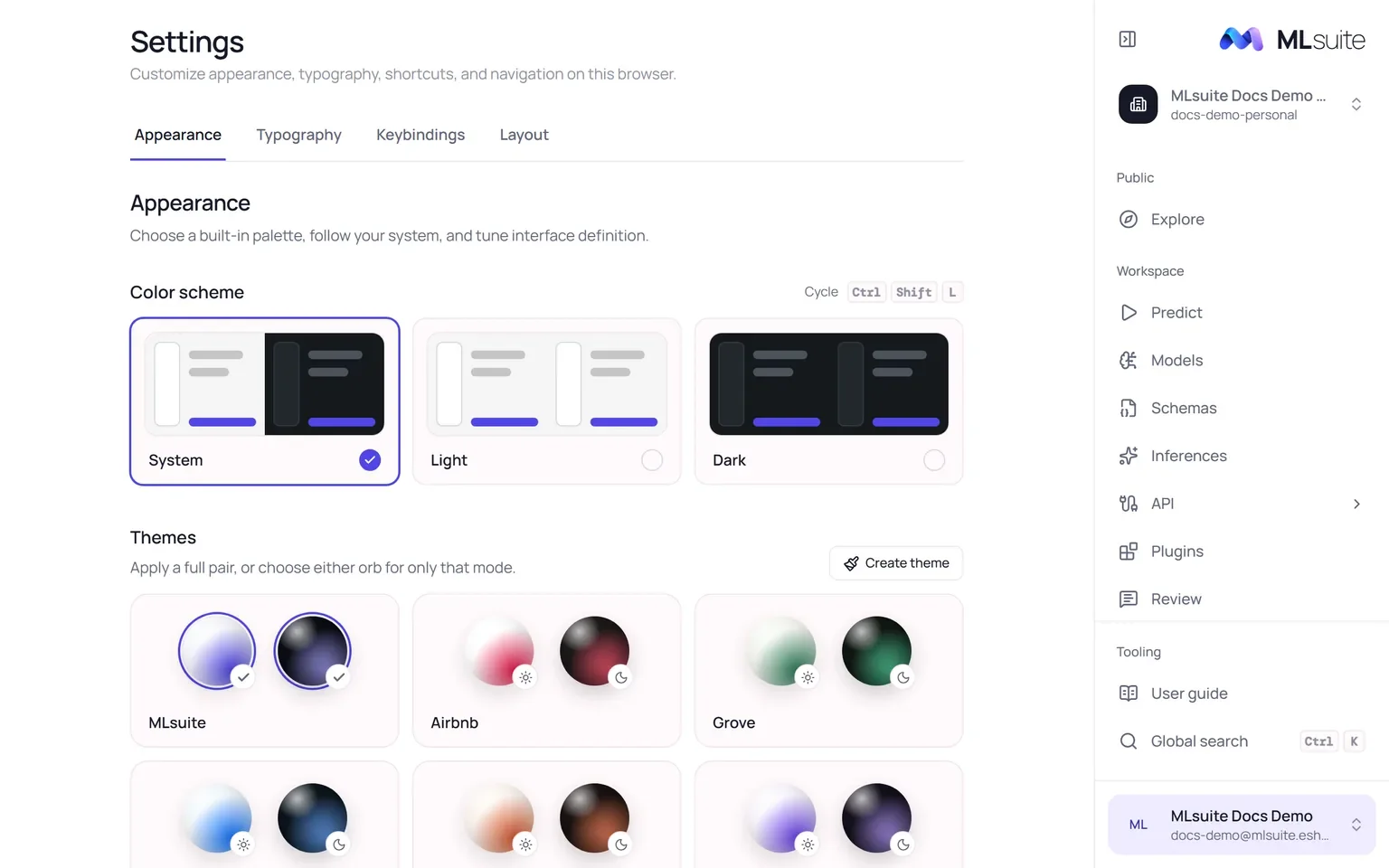
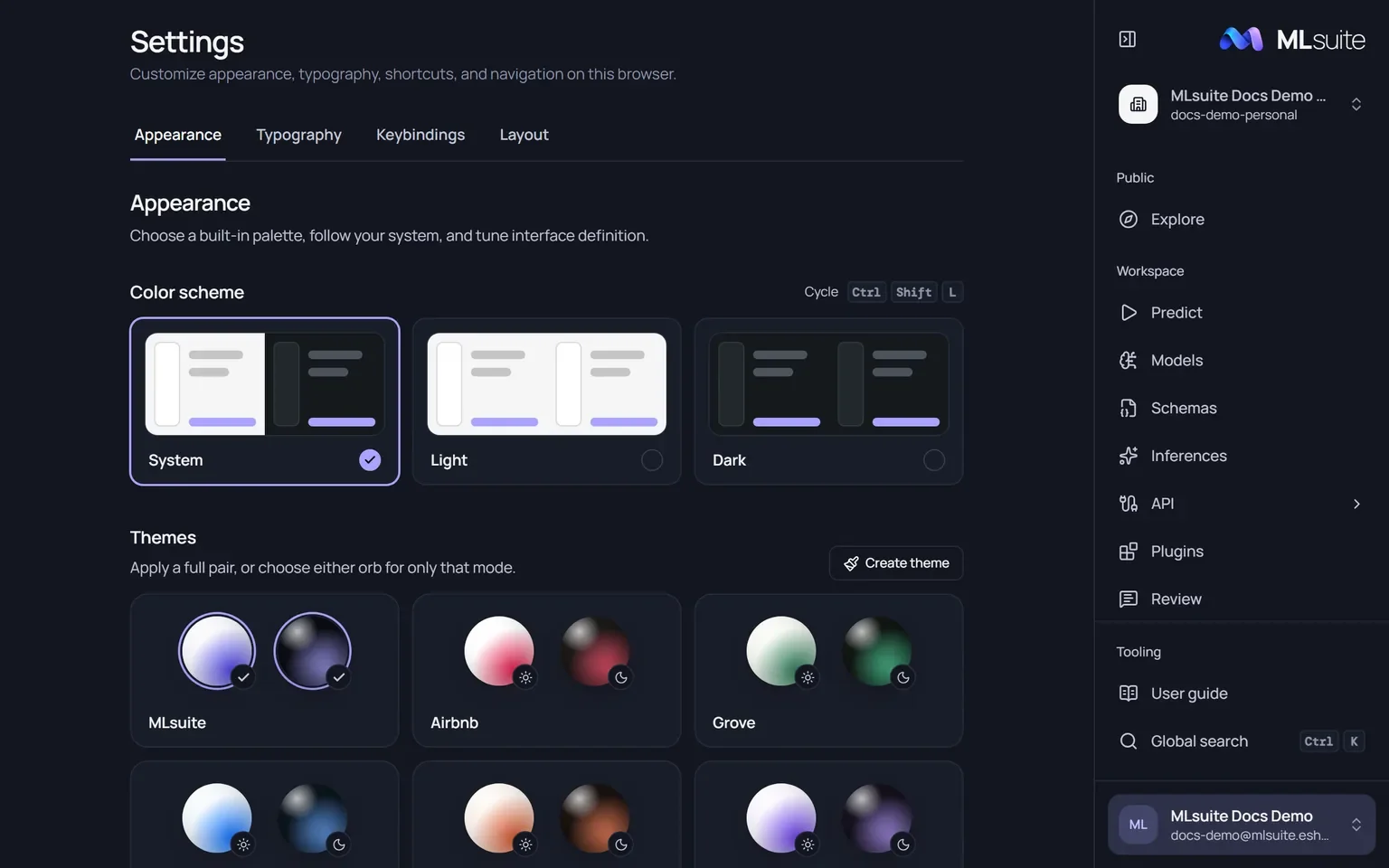
Settings apply at once and are saved in this browser only; another browser starts from the defaults.
Appearance
Section titled “Appearance”- Color scheme: System (default), Light or Dark.
- Themes: eshkra (default), MLsuite, Airbnb, Grove, Ocean, Ember, Iris, Graphite, Nord, Catppuccin, Rosé Pine, Tokyo Night, Gruvbox and Solarized. Click a card to use the theme in both schemes, or one of its two orbs to use it only in that scheme.
- Create theme: name a theme (up to 40 characters) and give its light and dark variants six colors each: background, surface, muted surface, text, muted text and accent. Text must keep a 4.5:1 contrast with the background and surfaces, and the accent 3:1.
- Contrast: raise contrast from 100% to 125%.
Typography
Section titled “Typography”- Interface font: Manrope (default), Inter, Geist, IBM Plex Sans, Source Sans 3, Figtree, DM Sans, Atkinson Hyperlegible or the system font, at 14 to 18 px (16 by default).
- Monospace font: DM Mono (default), JetBrains Mono, Geist Mono, IBM Plex Mono, Fira Code, Source Code Pro or the system font, at 12 to 16 px (13 by default).
- Word wrap in code editors and previews, on by default.
Keybindings
Section titled “Keybindings”Change the shortcuts for global search, the color scheme, fullscreen and the sidebar. Click one,
press the new combination, or Esc to cancel; Reset all restores the
defaults. A shortcut needs Ctrl, ⌘ or Alt with one
key. Alt with a number is reserved for navigation, and common browser shortcuts such as Ctrl +
T are refused.
Layout
Section titled “Layout”| Setting | Options |
|---|---|
| Navigation position | Left, Right (default), Top, Bottom |
| Navigation style | Fixed (default), Floating |
| Location of the breadcrumb | Above the title (default), at the bottom, as a rail on the left or right, or off |
| Collapsed navigation | Start with the sidebar collapsed |
| Fullscreen | Enter fullscreen, when the browser allows it |