
Schemas
A schema is the contract between the people who fill a form and the models that answer it. It says which fields to ask for, how each field feeds each model, how the form is laid out, how the results are reported and which review questions follow them. The same contract drives the Predict form, the public page, the review form, the Inferences columns and the CSV export.
A schema is a repository of snapshots. Each snapshot is immutable and numbered, and binds one or more models. To change a schema you publish a new snapshot through a change; what already ran keeps pointing at the snapshot it ran on.
Create a schema
Section titled “Create a schema”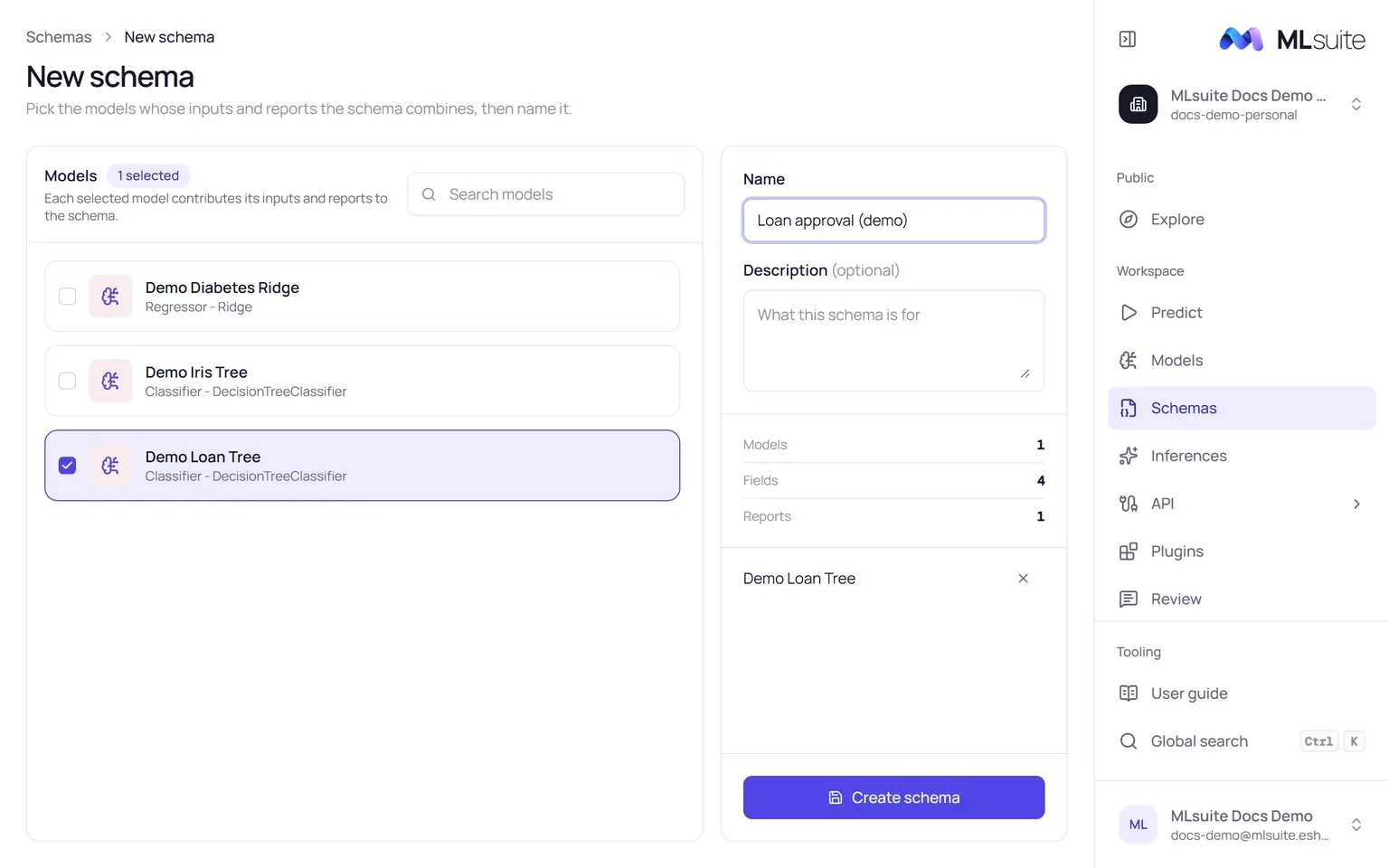
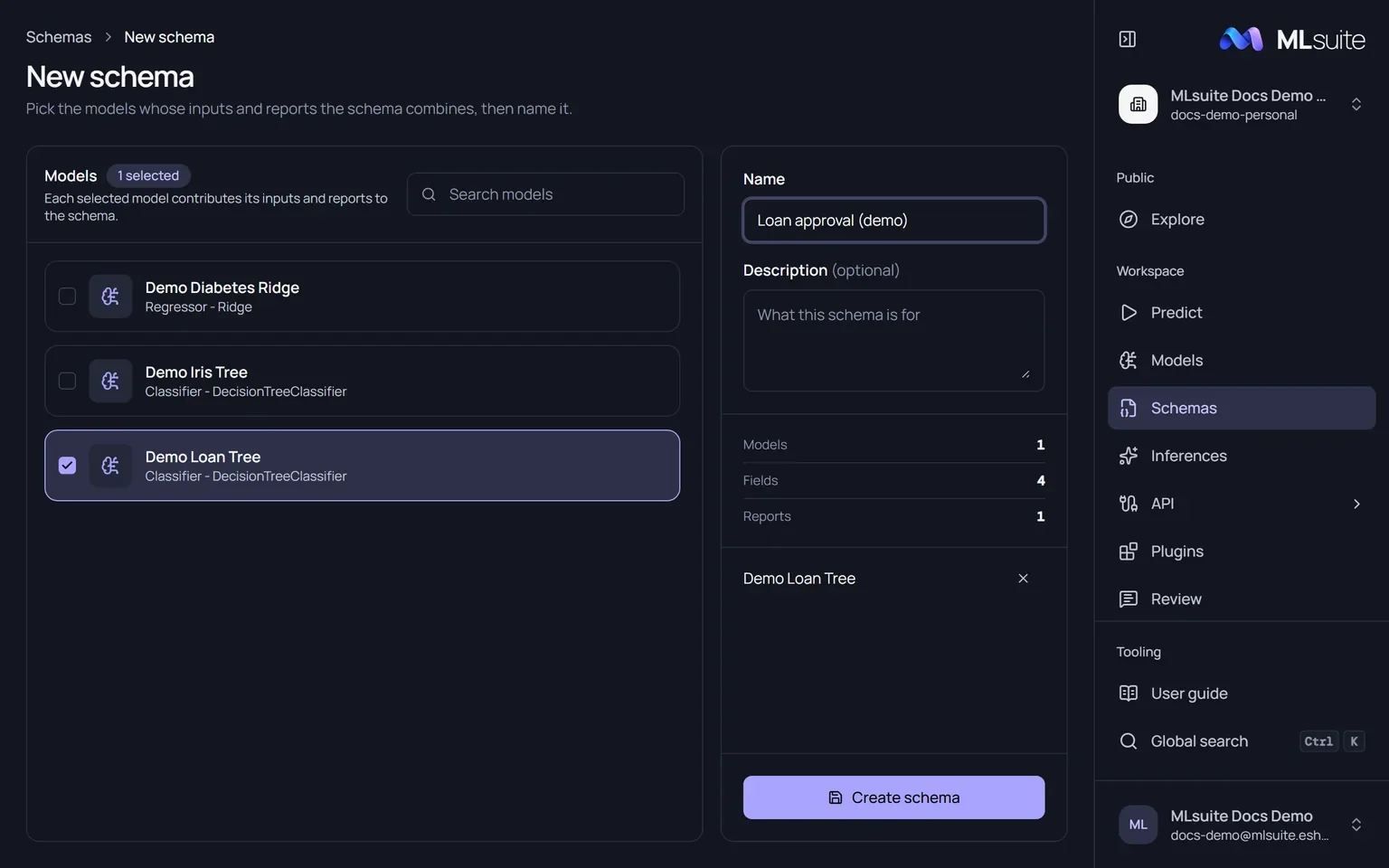
- Open Schemas and choose New schema, or choose New schema on a model’s page to start with that model selected.
- Select one or more models. Only active models with a bundle schema are listed.
- Enter a Name (up to 180 characters, unique in the organization) and an optional Description.
- Choose Create schema.
The schema’s first snapshot, v1, is published at once from the models’ bundle schemas.
When you select several models, their fields are merged: fields with the same label and kind become one field that feeds every model that needs it, and each model keeps its own reports, labelled “<report> · <model>”. A run then calls every bound model with the same answers.
The schema pages
Section titled “The schema pages”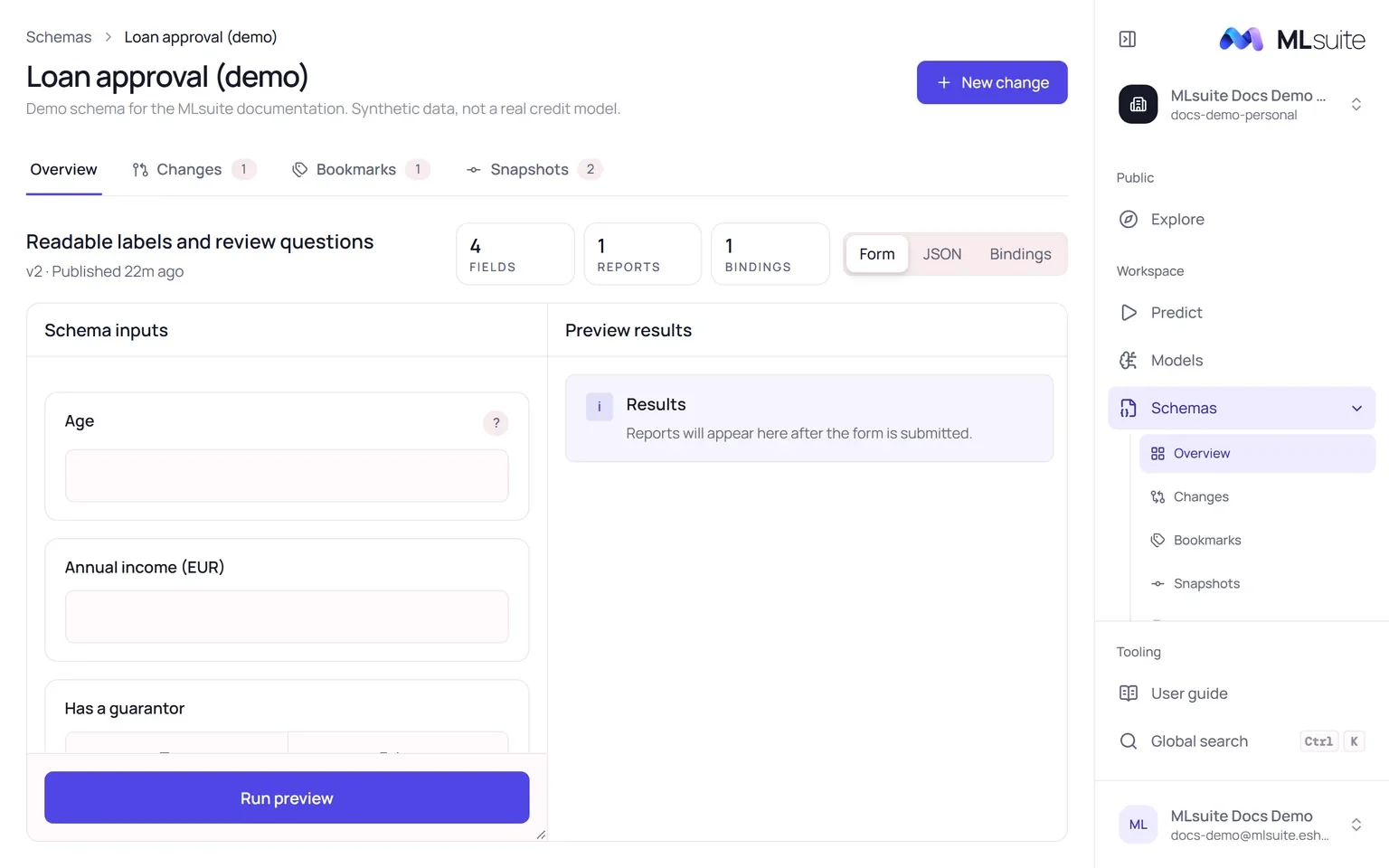
| Tab | Purpose |
|---|---|
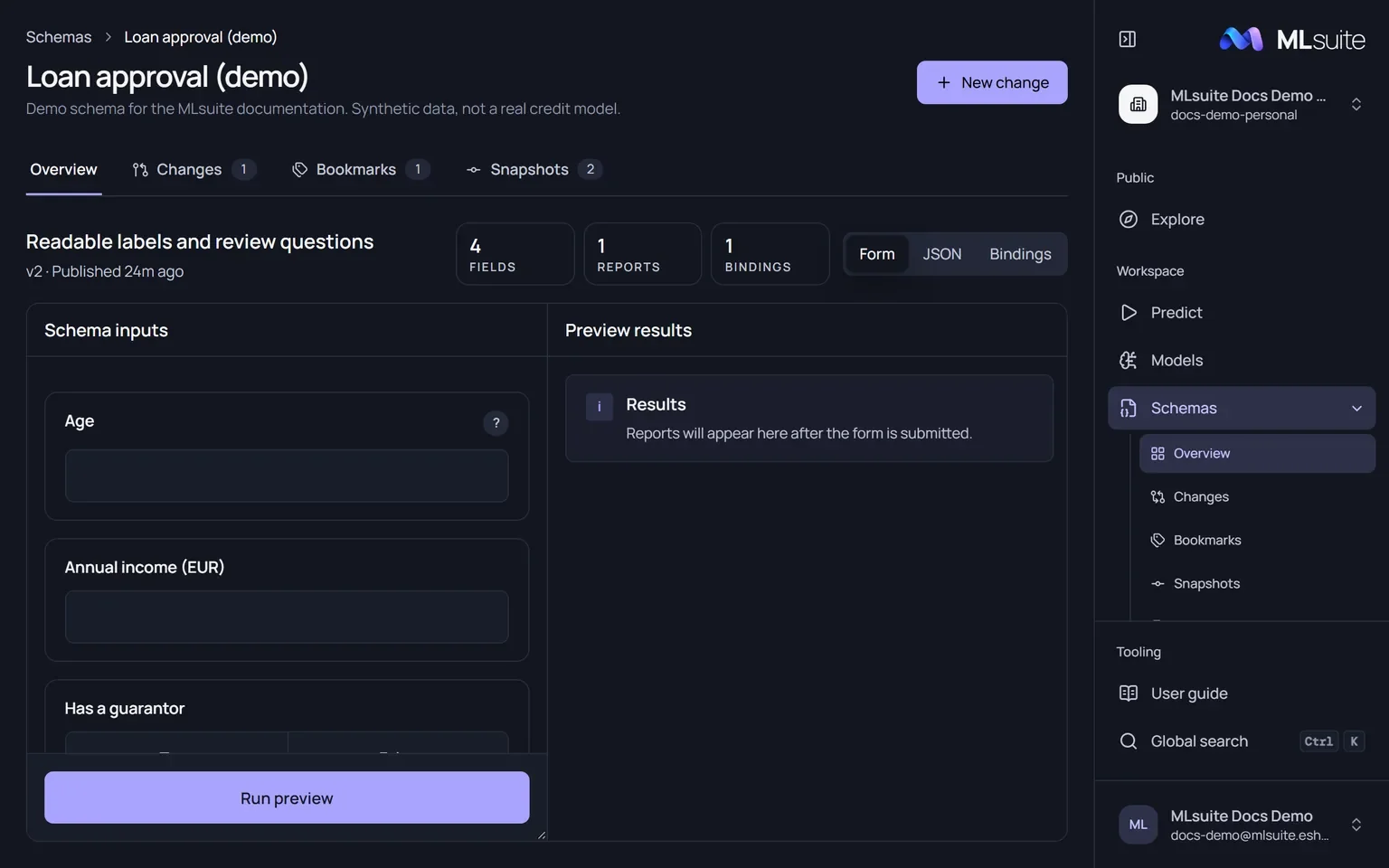
| Overview | The latest snapshot: field, report and binding counts, and a Form preview you can run, the JSON document, or the Bindings (which models it runs). New change starts editing. |
| Changes | Open work on the schema. Filter Open, Draft, Conflict or All. Rename a change, or Review it. |
| Bookmarks | The schema’s bookmarks: public or private, which snapshot each points to, and their examples. |
| Snapshots | Every published snapshot. Filter Latest or With bindings. Each one offers New change, Bookmark and Create schema from snapshot. |
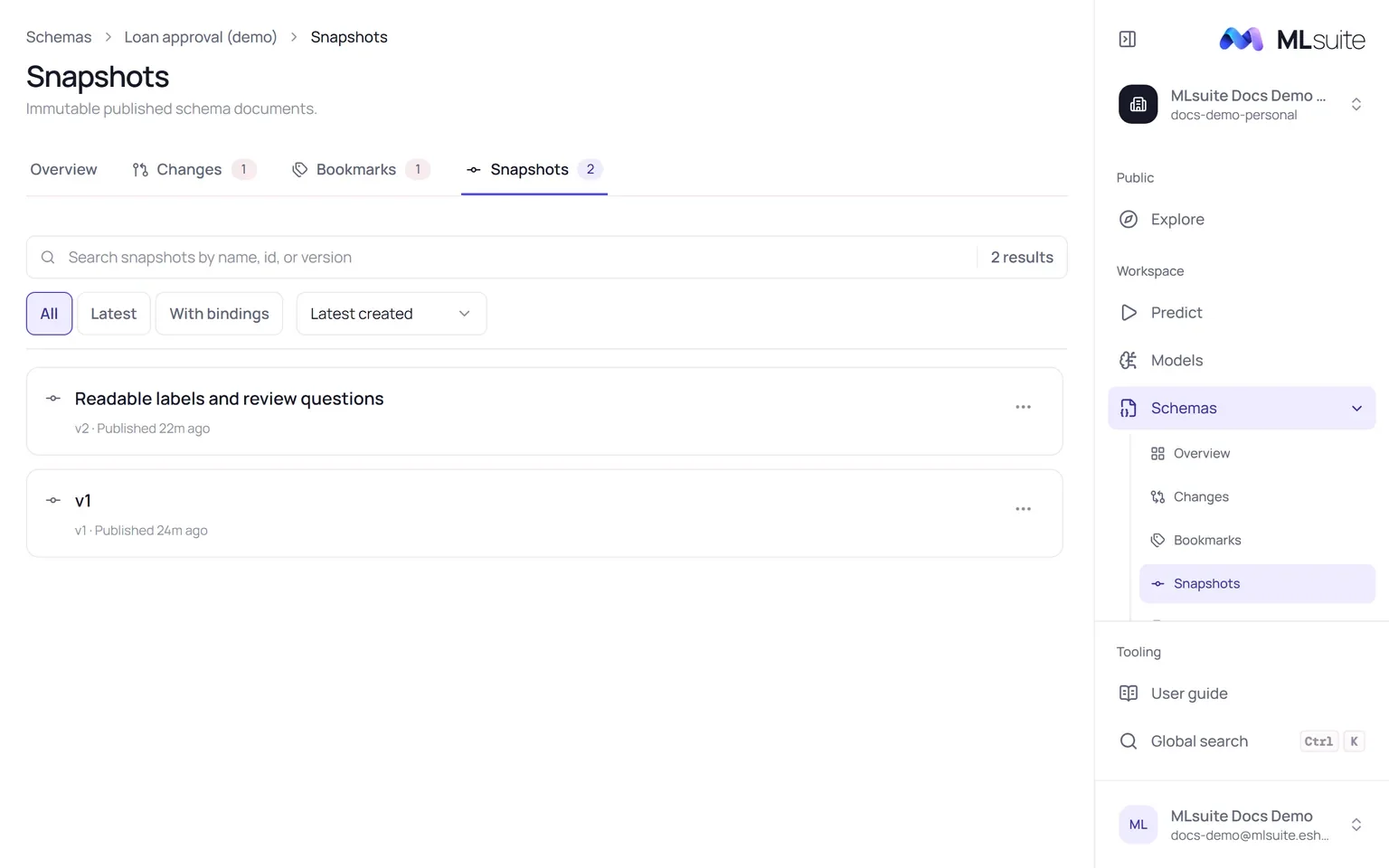
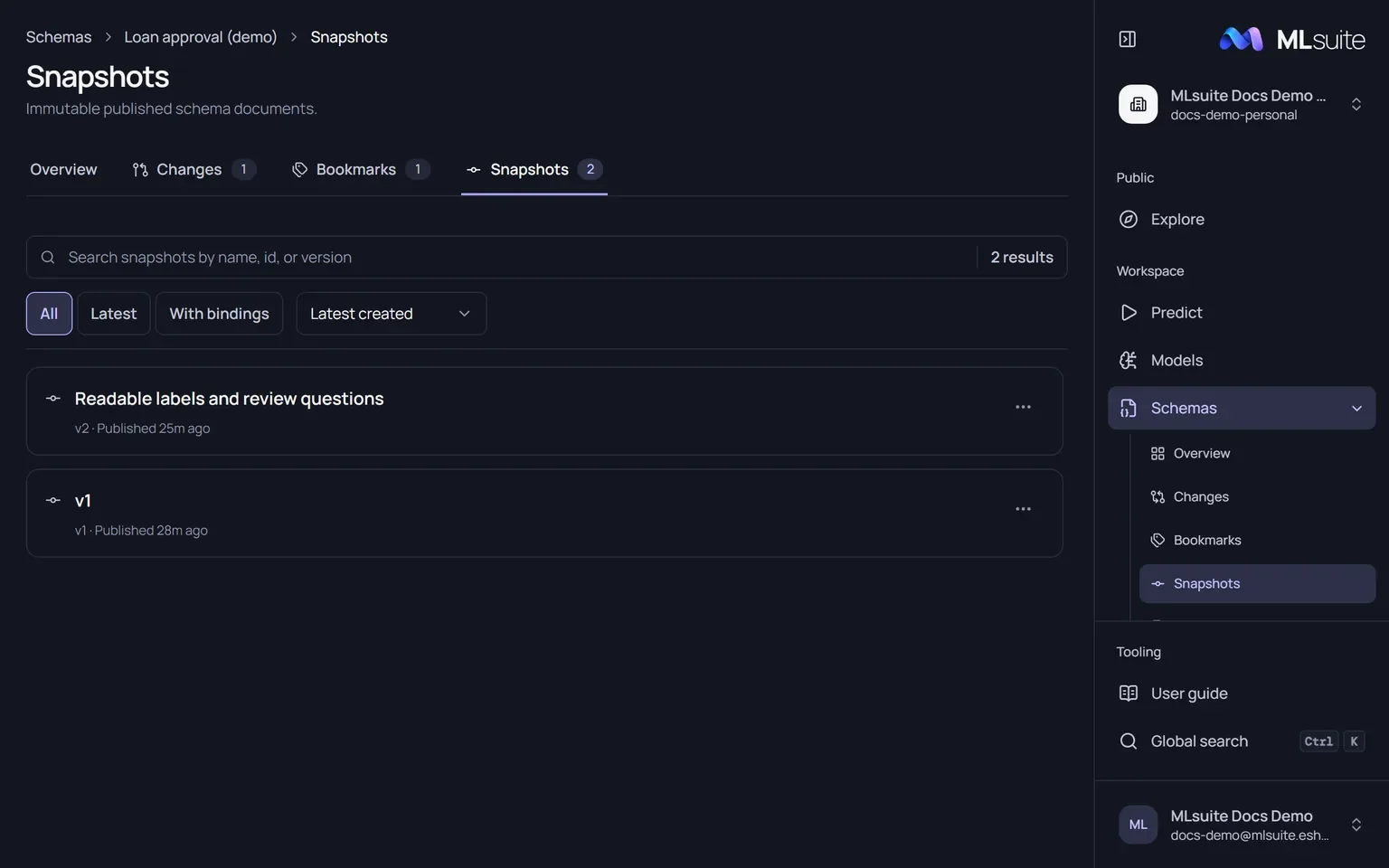
Create schema from snapshot starts an independent schema whose v1 is a copy of that snapshot.
Rename, duplicate, archive, delete
Section titled “Rename, duplicate, archive, delete”The actions of each row in the schemas list:
| Action | Effect |
|---|---|
| Rename | Change the name; snapshots and runs stay attached. |
| Duplicate | Copy the latest snapshot and its bindings into a new schema starting at v1. |
| Archive | Hide it from the active list. Its bookmarks leave Predict and Explore, and API clients can no longer run them. |
| Delete | Remove the schema with its changes, bookmarks and snapshots. Refused while any inference or review uses it: archive it instead. |