
Plugins
The form engine, MLform, ships twelve field kinds and the
classifier and regressor reports, always available. A plugin adds a field kind or a report
kind of your own to one organization. Once uploaded, the kind can be used in that organization’s
schemas, and its forms draw it in Predict, reviews and public pages.
The catalog
Section titled “The catalog”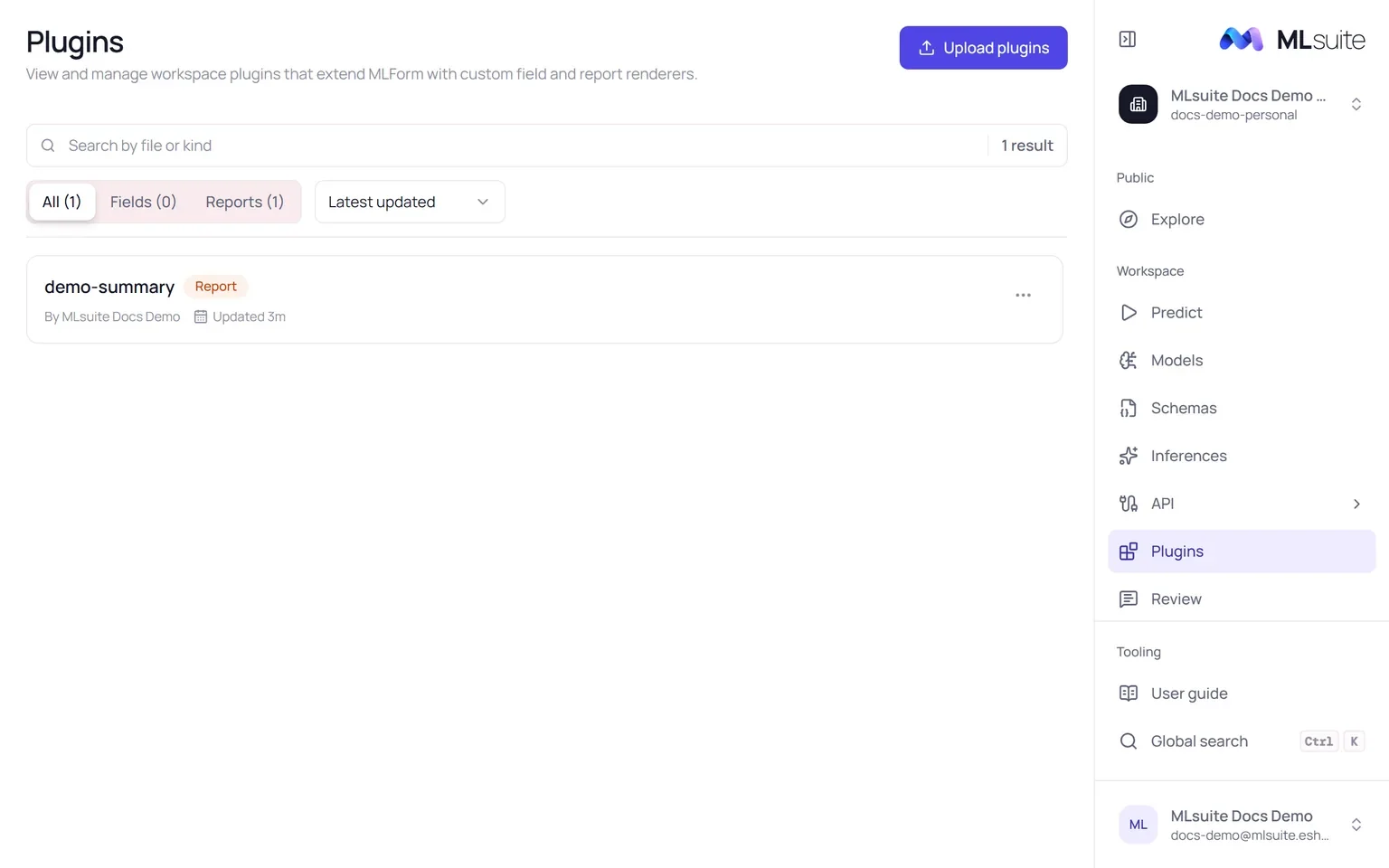
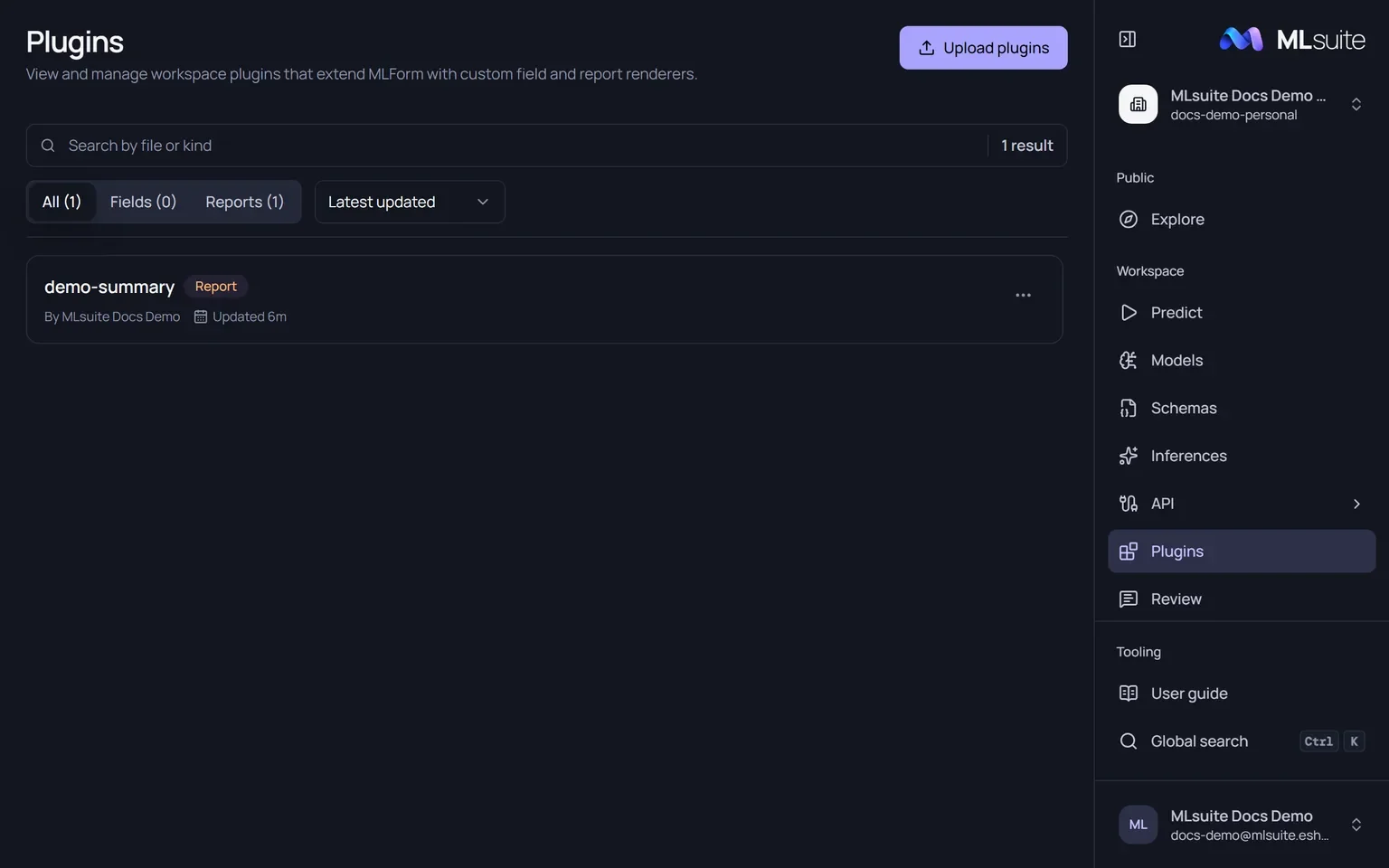
Plugins (needs View plugins) lists the organization’s plugins. Filter All, Fields or Reports, search by file or kind, and sort by Latest updated or Name. Each entry shows its kind, whether it is a Field or Report plugin (or Invalid), who uploaded it and when. A new organization has no plugins.
Write a plugin
Section titled “Write a plugin”A plugin is one TypeScript (.ts) file whose default export defines one kind. z
(Zod), defineFieldKind and defineReportKind are provided; do not import
them. The schema validates the kind’s options in the schema JSON.
export default defineReportKind({ kind: "demo-summary", schema: z.object({ kind: z.literal("demo-summary"), label: z.string().optional(), mappedTo: z.string().optional(), }), render: { content: ({ payload }) => ({ type: "text", value: String(payload) }) },});A field plugin uses defineFieldKind with kind, schema, a value (its default and how to
normalize input) and render. The MLform guides to
custom fields and
custom reports describe the definitions.
Upload
Section titled “Upload”- Choose Upload plugins (needs Manage plugins).
- Drop one or more
.tsfiles. Each is compiled and checked in your browser and marked Ready or Invalid with the reason, for example a missing default export or an emptykind. - Choose Upload all.
The kind is live for the organization at once: there is no activation step and no separate configuration, since each use is configured in the schema JSON. Two plugins with the same kind break the catalog; delete one.
To use the kind, write it in a schema change; the editor completes and validates plugin kinds like built-in ones. Reports from plugins get only the questionnaire step in reviews.
Explanations
Section titled “Explanations”The runtime can explain a prediction of a scikit-learn DecisionTreeClassifier or
DecisionTreeRegressor as the decision path it followed (Crystal Tree). No built-in report shows
it: a report plugin requests it and draws it. On public pages the explanation is added when the
model supports it and left out otherwise. Other estimators cannot be explained.
Delete
Section titled “Delete”Delete in a plugin’s menu removes it. Schemas that use its kind can no longer draw those fields or reports. To update a plugin, delete it and upload the new file.