
Roles and permissions
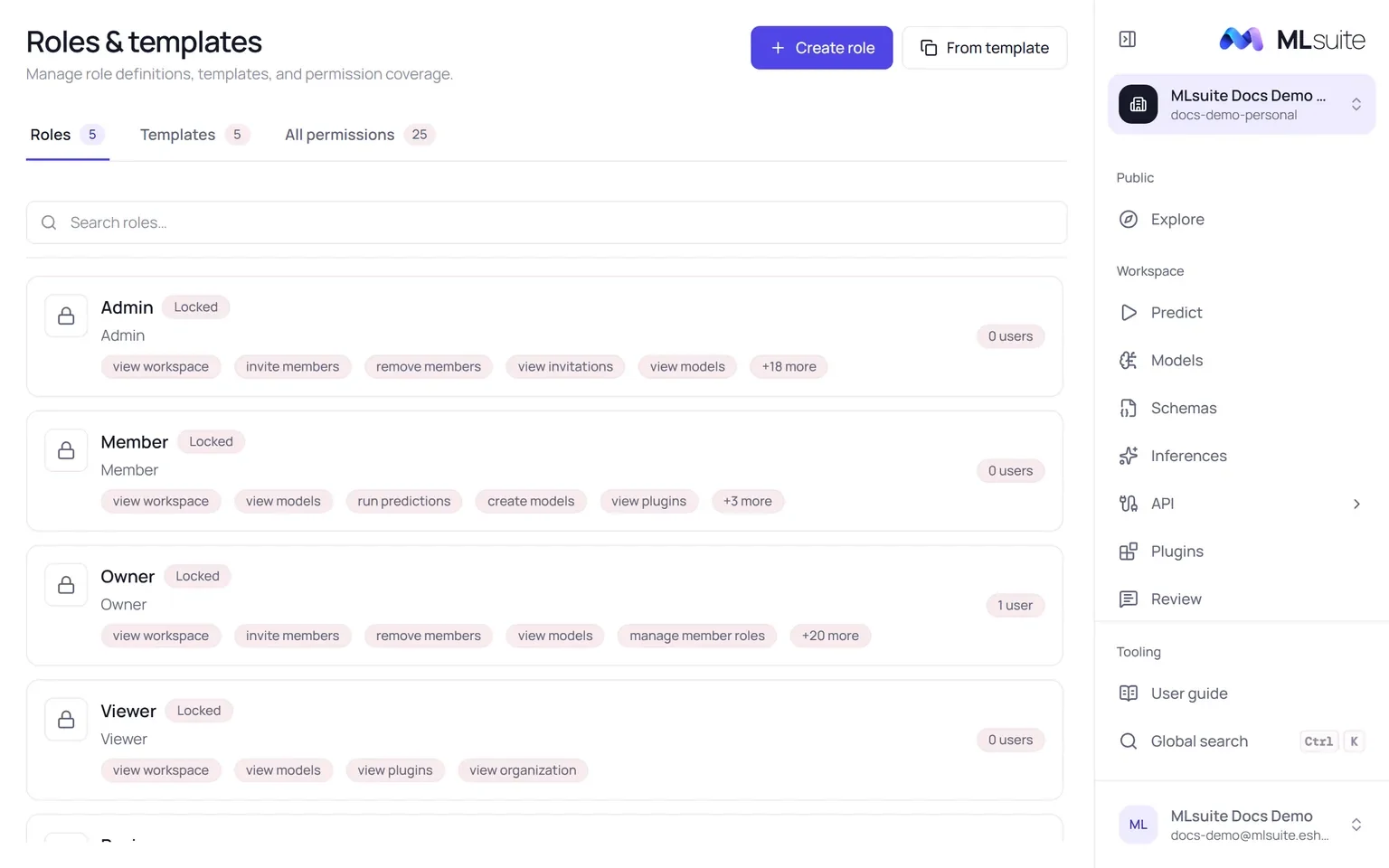
A member’s role is a named set of permissions inside one organization. Open Roles & templates from the organization switcher (needs View members, Invite members or Manage member roles).
Built-in roles
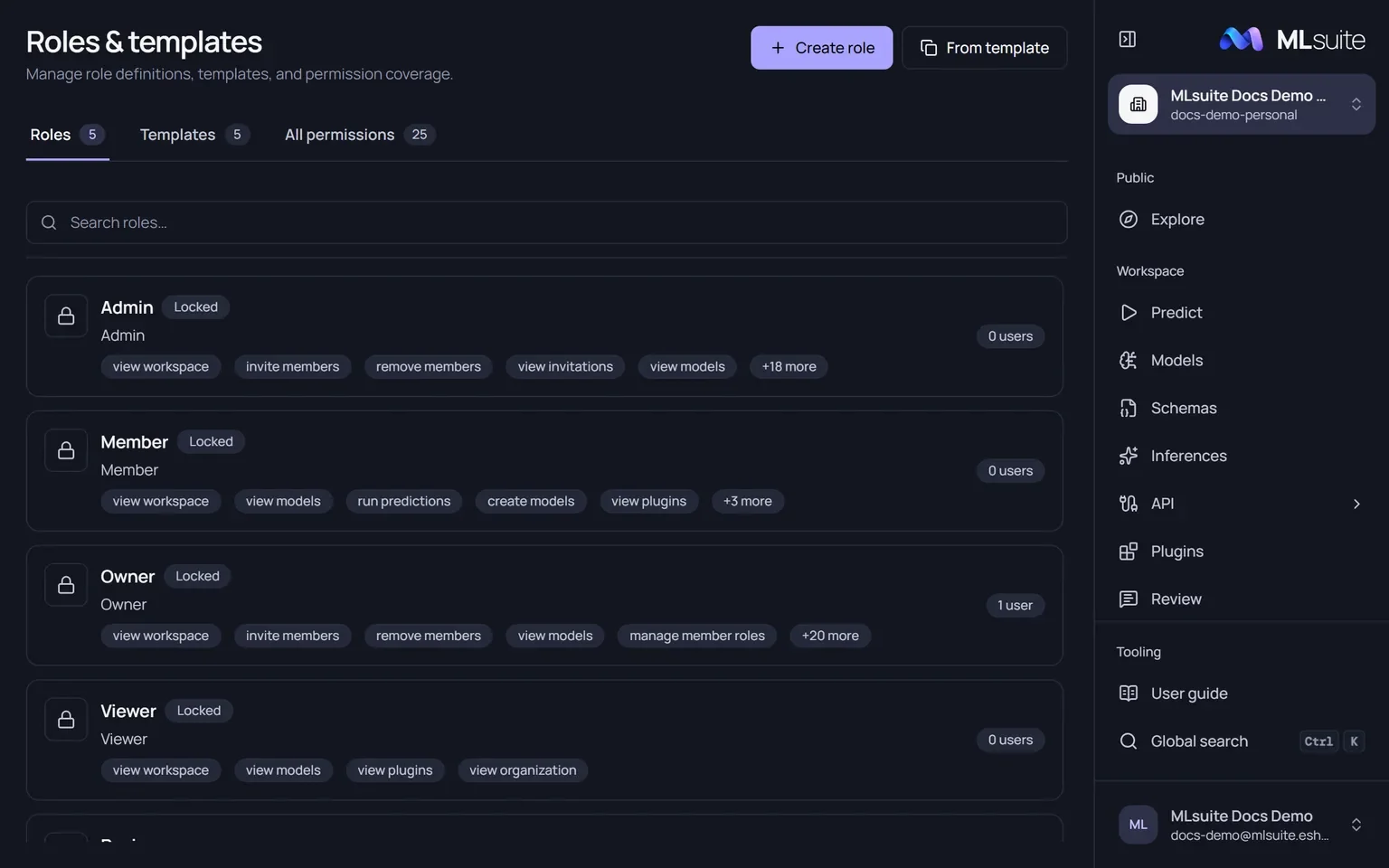
Section titled “Built-in roles”Every organization starts with five roles. Owner, Admin, Member and Viewer are locked: they cannot be edited or deleted, and they regain any missing permission when the API restarts.
| Role | Permissions |
|---|---|
| Owner | All of them. There is exactly one Owner. |
| Admin | All except Delete organization and Transfer ownership. |
| Member | View workspace, View organization, View models, Create models, Edit models, Delete models, Run predictions, View plugins. |
| Viewer | View workspace, View organization, View models, View plugins. |
| Reviewer | Review only. Not locked, so it can be edited. |
Permissions
Section titled “Permissions”The application shows each permission in lowercase, for example “view api access”.
| Group | Permission | What it allows |
|---|---|---|
| Organization | View workspace | The organization overview, and the workspace as home page. |
| View organization | Organization settings, read-only. | |
| Edit organization | Change name, slug, description and logo. | |
| Delete organization | Delete an empty organization. | |
| Transfer ownership | Make another member the Owner; offer the Owner role in invitations. | |
| Members | View members | The Members page and the roles catalog. |
| Invite members | Send invitations. | |
| Manage member roles | Change members’ roles; create, edit and delete custom roles. | |
| Remove members | Remove a member. | |
| Invitations | View invitations | The invitations list. |
| Manage invitations | Resend, copy the link of and revoke invitations. | |
| Models | View models | Models, Schemas, Predict and Inferences, read-only. |
| Create models | Upload and duplicate models; create schemas, changes and bookmarks; publish changes. | |
| Edit models | Rename and archive models and schemas; open the schema editor. | |
| Delete models | Delete models and schemas that nothing depends on. | |
| Run predictions | Run bookmarks, save and delete inferences. | |
| Export predictions | Export inferences to CSV. | |
| Publish bookmarks | Publish and unpublish bookmarks; mark runs as public examples. | |
| Reviews | Review | Be assigned reviews and answer them in the Review inbox. |
| Manage reviews | Create reviews, see reviewers’ answers, reopen and delete responses. | |
| Plugins | View plugins | The plugin catalog. Also needed for global search. |
| Manage plugins | Upload and delete plugins. | |
| API | View API access | The API section, read-only. |
| Manage API access | Create clients, issue and revoke keys, give and remove bookmarks. | |
| Audit | View audit log | The Audit log page. |
Custom roles
Section titled “Custom roles”Members with Manage member roles see Create role and From template.
- Create role: a name (up to 120 characters), an optional description (up to 600) and at least one permission.
- From template: start from Data Scientist or Full Access Engineer (the Member permissions), Read-Only Analyst (the Viewer permissions), Inference Operator (View models and Run predictions) or Reviewer (Review).
Open a role to see its assigned users, scope and permissions. Custom roles can be edited, duplicated (as “<name> Copy”) and deleted; a role with assigned users cannot be deleted until they are moved to another role. The All permissions tab lists every permission by group.