
Answer a review
Inferences assigned to you wait in Review (needs Review or Manage reviews), for the organization you are in. A member whose only permission is Review lands there after signing in.
The review tray
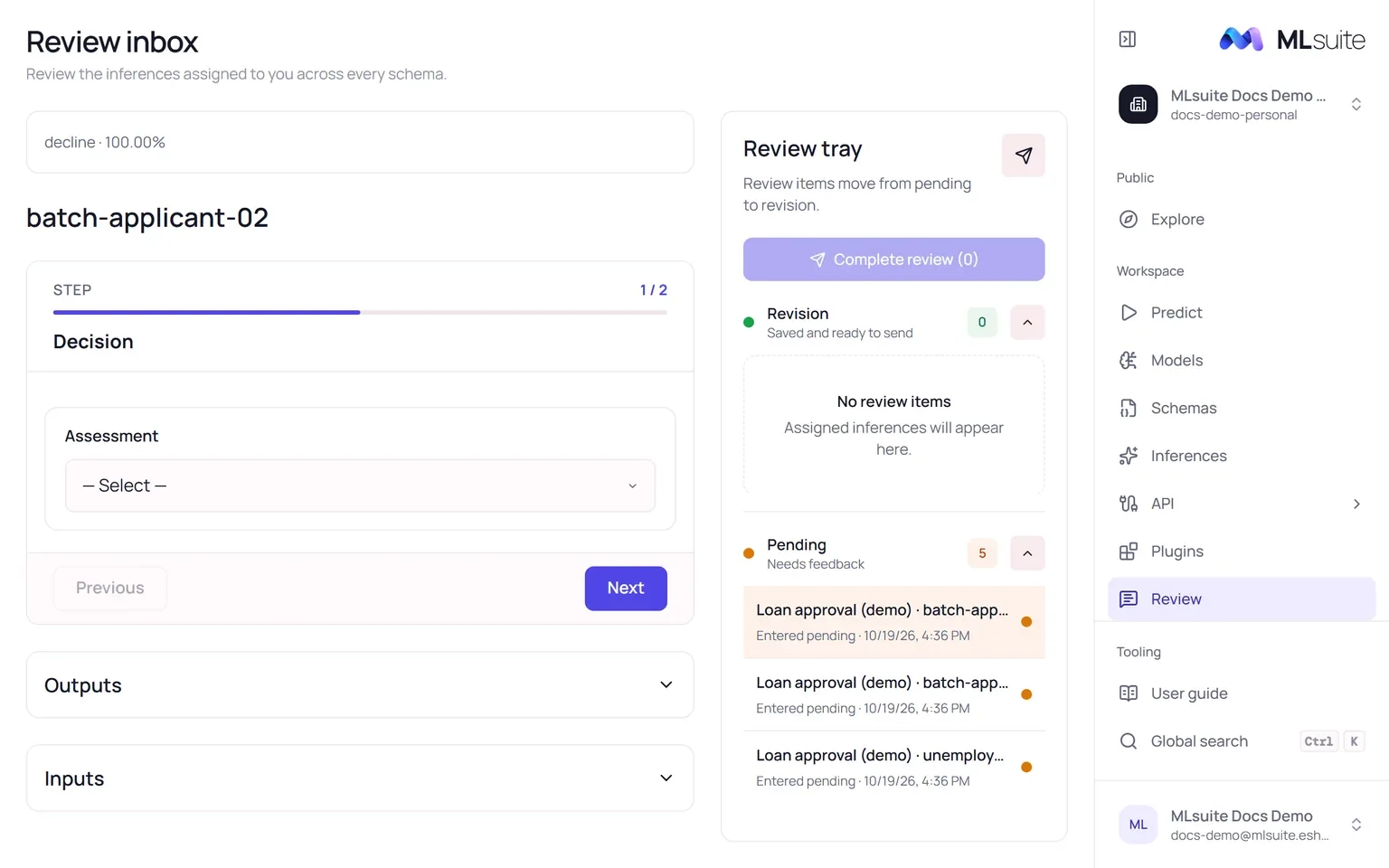
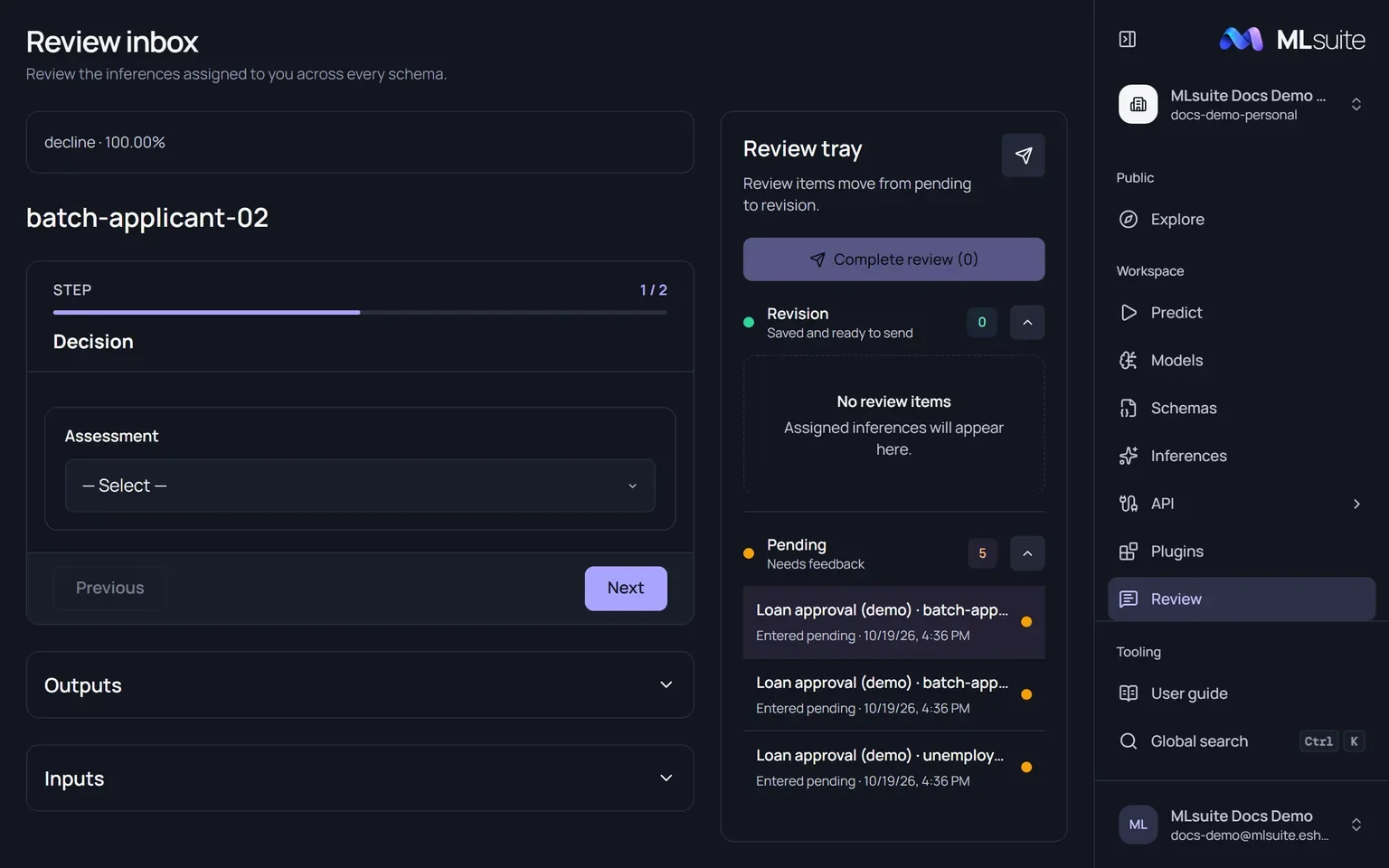
Section titled “The review tray”The tray on the right sorts your assigned inferences into two groups:
- Pending: nothing saved yet.
- Revision: answers saved and ready to send.
The first item opens on its own; choose any item to open it. Inferences of expired reviews leave the inbox.
Answer an inference
Section titled “Answer an inference”The main panel shows the inference’s name, the review form and two collapsible sections, Outputs (the reports as the run drew them) and Inputs. The form is a sequence of steps, one or two per report:
- Assessment, for classifier and regressor reports: choose the class you consider right, or type the value you consider right. Your answer is what the export calls the reviewer’s feedback on the prediction.
- <Report> review, when the report has a questionnaire: its questions, such as a rating, a choice or a comment.
Questions are required unless the schema says otherwise. Move with Next and Previous, then choose Save review. Your answers are shown read-only, with Edit to change them, and the inference moves to Revision.
When several models answer the same report, one answer applies to all of them.
If the snapshot asks nothing, the panel says so and offers Complete this review, which submits this inference alone.
Complete your reviews
Section titled “Complete your reviews”Complete review (N) at the top of the tray submits every inference in Revision at once, across all your reviews. Submitted inferences leave the inbox and can no longer be changed by you; a member who manages reviews can reopen one for you.