
Run predictions
Pick a bookmark
Section titled “Pick a bookmark”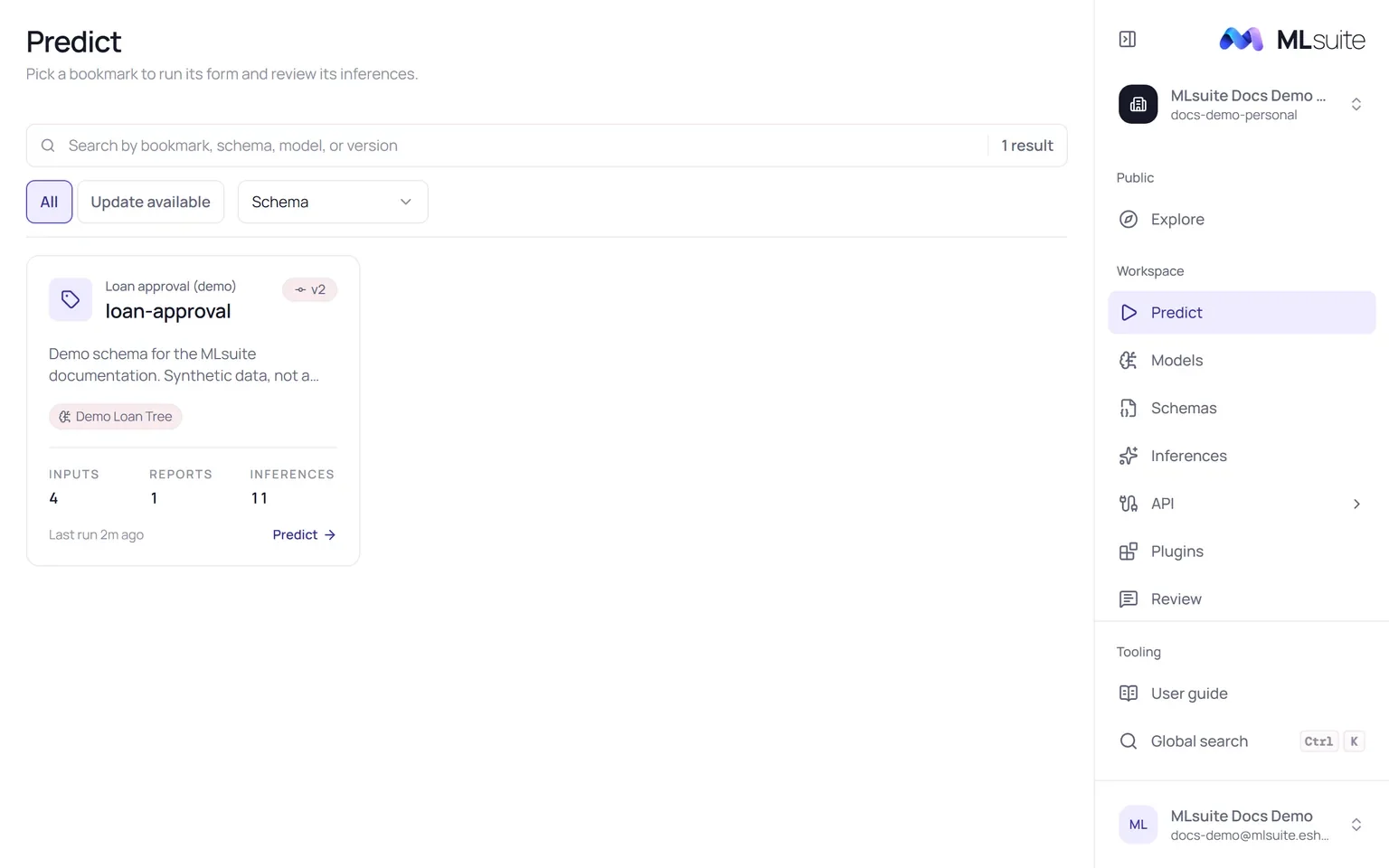
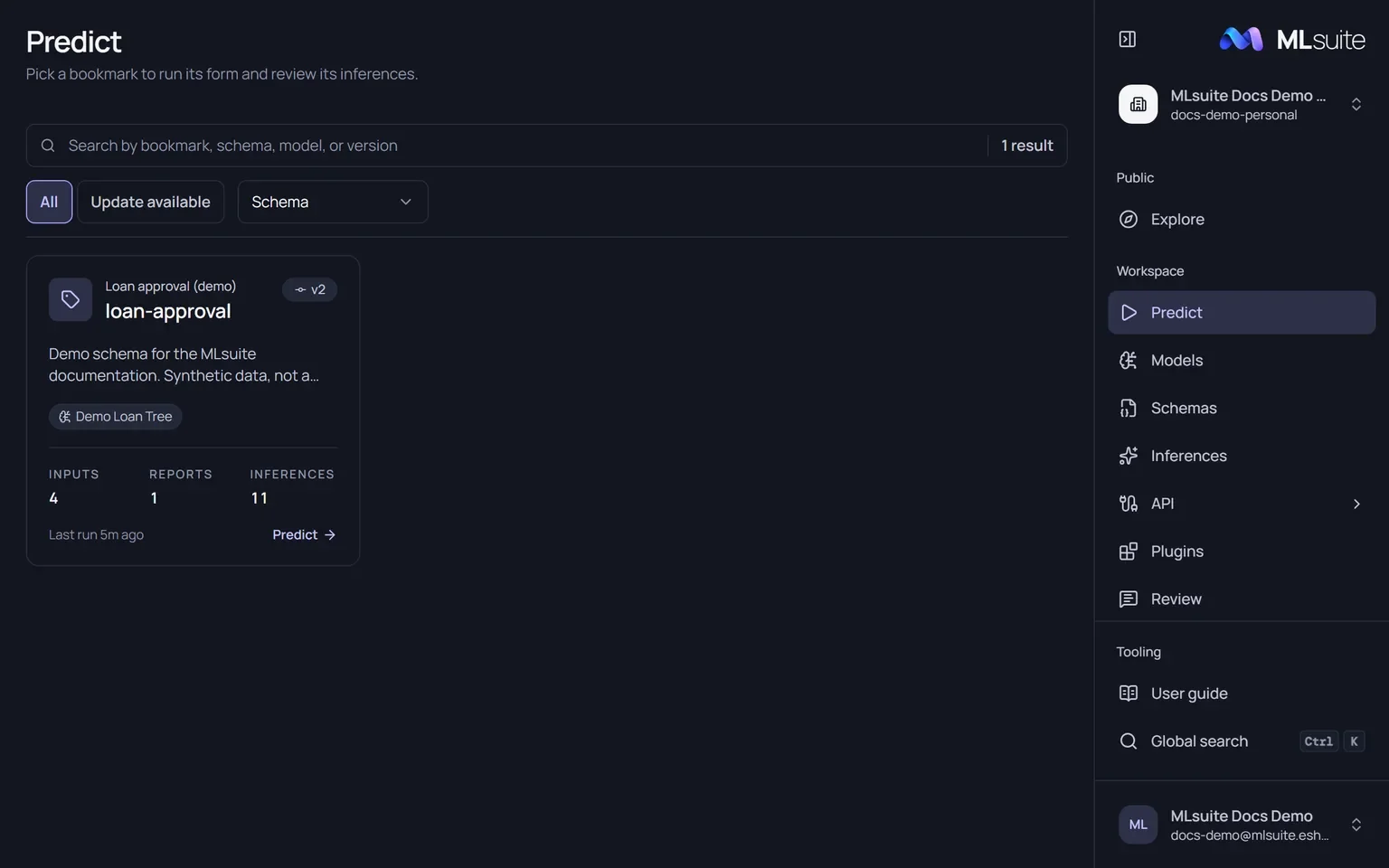
Predict lists every bookmark of the organization’s active schemas as a card: schema and bookmark name, snapshot version, models, how many inputs, reports and inferences it has, and when it last ran. Search by bookmark, schema, model or version; filter Update available to find bookmarks whose schema has a newer snapshot; sort by Schema, Bookmark name, Most inferences or Recently run. Choose Predict on a card to open it.
An empty list means no schema has a bookmark yet: bookmark a snapshot.
Run the form
Section titled “Run the form”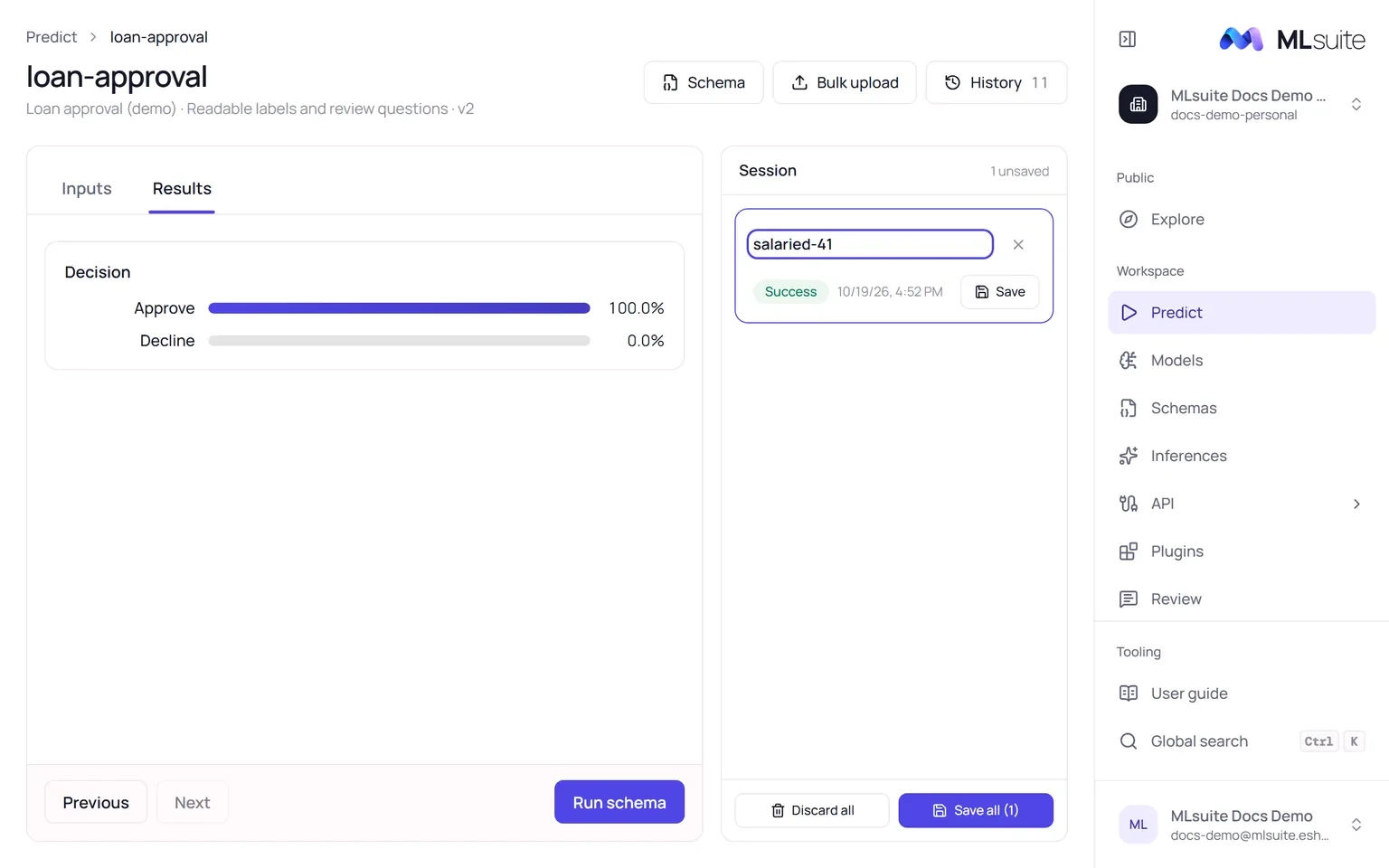
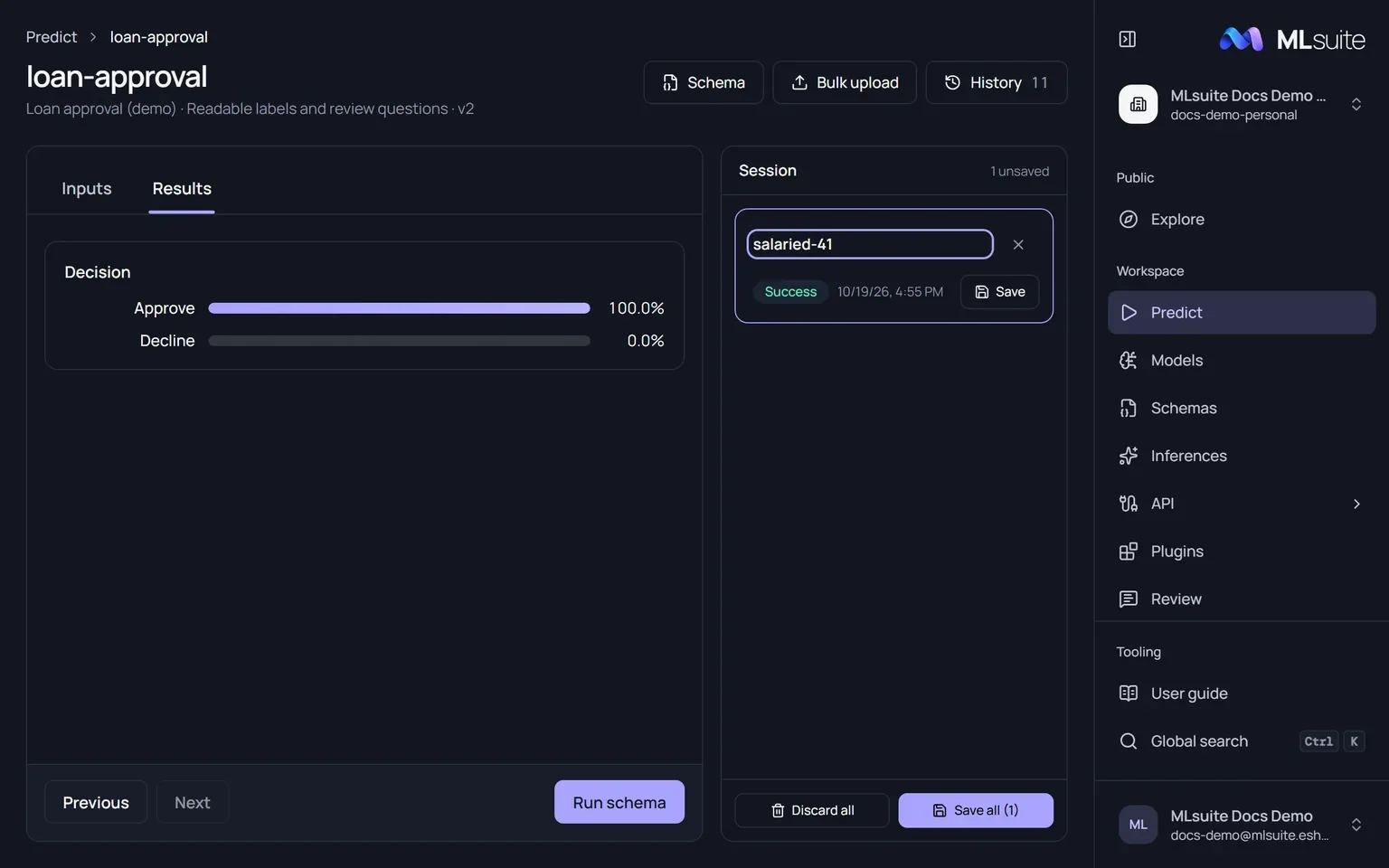
The page shows the form of the bookmark’s snapshot with two tabs, Inputs and Results, and the Session panel beside it. Fill the inputs and choose Run schema (needs Run predictions; members without it are taken to the bookmark’s history instead). The button reads “Checking schema…” and then “Running models…”, and the form switches to Results.
A run calls every model the snapshot binds, with the same answers. A model that fails is recorded with its error, and the run’s status says how it went: Success, Partial success or Failed.
The header holds three buttons:
- History opens Inferences filtered to this bookmark, with its run count.
- Bulk upload runs many records from a file; see Bulk upload.
- Schema opens the schema.
The session
Section titled “The session”Every run joins the session as an entry named run-<timestamp>, newest first. Click an entry to
see its results and inputs in place of the form; Back to form returns, with your values still
there.
| Action | Effect |
|---|---|
| Rename | Edit the entry’s name. Names are unique per snapshot. |
| Save | Store the run as an inference. Possible once it has finished and its name is not empty. |
| Save all | Save every unsaved entry, oldest first. |
| Remove (×) | Drop one entry. |
| Discard all | Drop every unsaved entry, after a confirmation. Saved ones stay in the history. |
A saved entry shows Saved and links to its inference page.
The session lives in this browser tab. It survives moving to other sections of the app, but a reload or closing the tab ends it, and the browser warns you first. Signing out with unsaved runs asks for confirmation.
When the bookmark moves
Section titled “When the bookmark moves”The page keeps the snapshot it opened with. If someone moves the bookmark to another snapshot meanwhile, a notice says so: runs of the old snapshot can no longer be saved to the bookmark. Use v<N> loads the new form once the session holds no unsaved runs, so discard them first.
Run again from an inference
Section titled “Run again from an inference”Predict again on an inference opens its bookmark with the form filled from that run.