
Organizations
An organization is the boundary of everything you do in MLsuite. Its models, schemas, bookmarks, inferences, reviews, plugins and API clients are visible only to its members, according to their role.
- Personal organization. Every account gets one when it is created, named “<Full name> Personal”, with the account as Owner.
- Shared organizations. Created by a superadmin, who chooses the first Owner. Members join them by invitation.
Switch organization from the switcher at the top of the navigation. Your choice is remembered, and accepting an invitation switches you to the organization that invited you.
Overview
Section titled “Overview”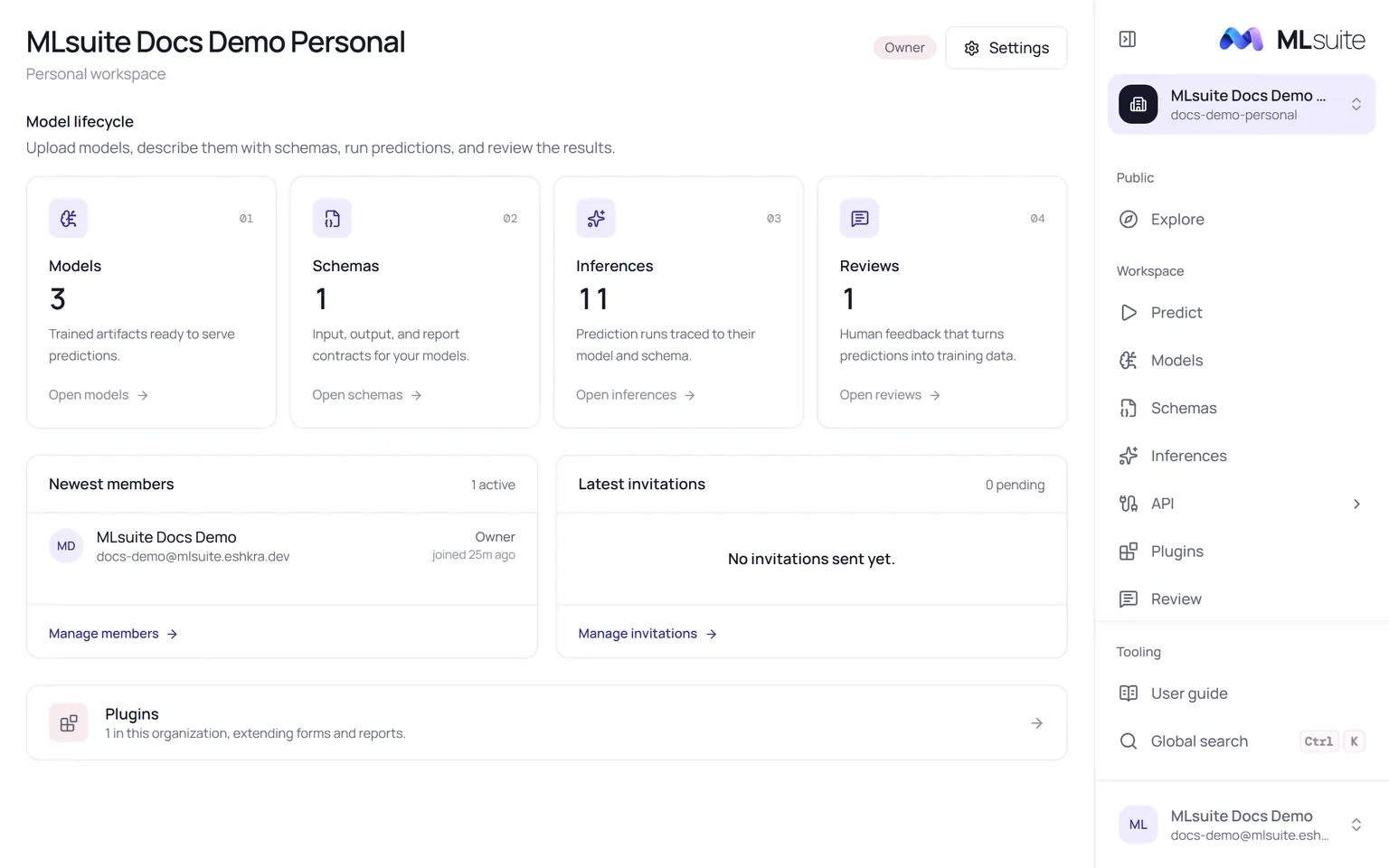
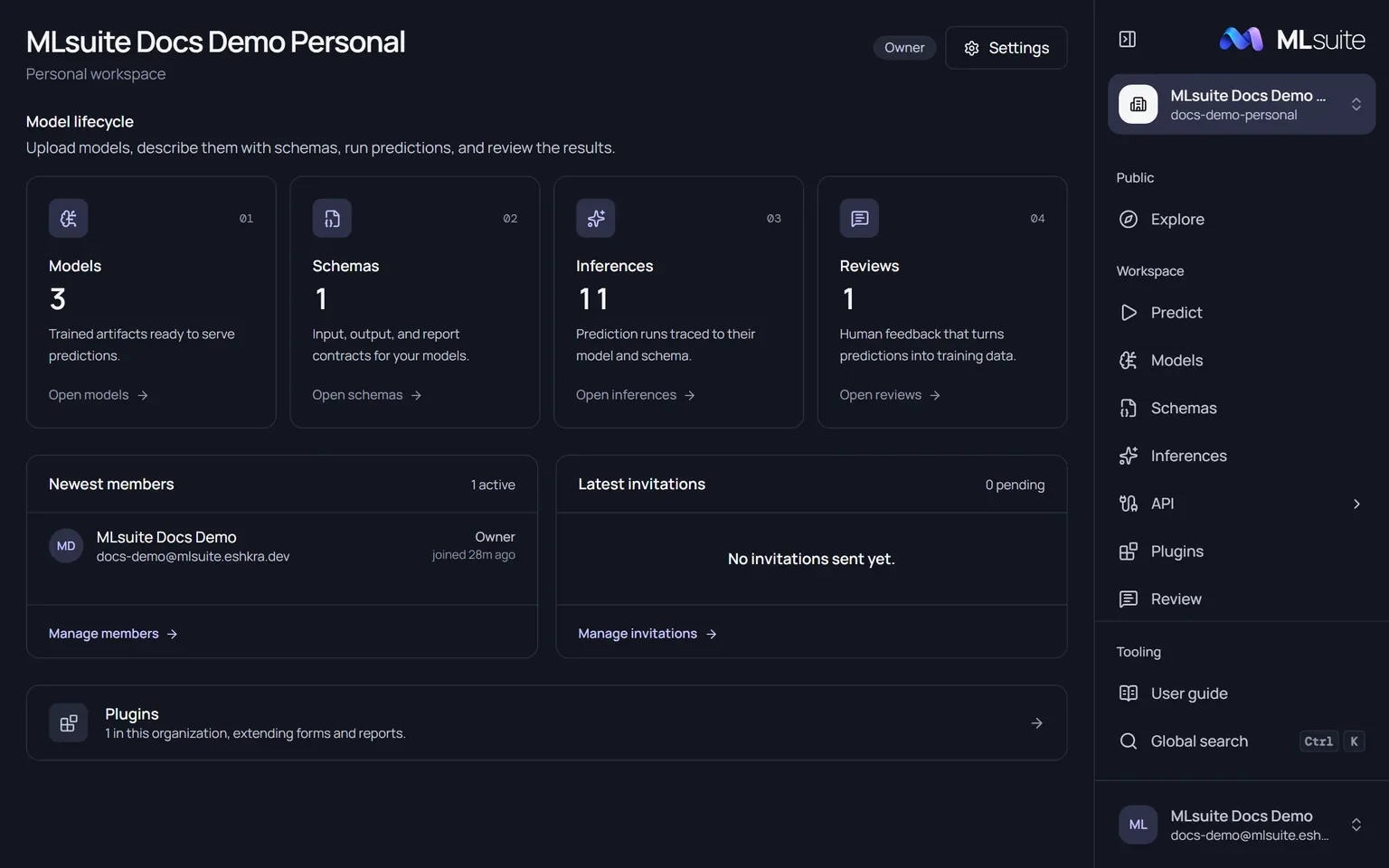
The overview opens from the switcher, or as the home page of members with View workspace. It shows your role badge, a Model lifecycle row counting Models, Schemas, Inferences and Reviews (each with a link and a hint when empty), the newest members, the latest invitations and the plugin count.
Settings
Section titled “Settings”Open Settings from the switcher or the overview. Changing anything here needs Edit organization; the page itself needs View organization.
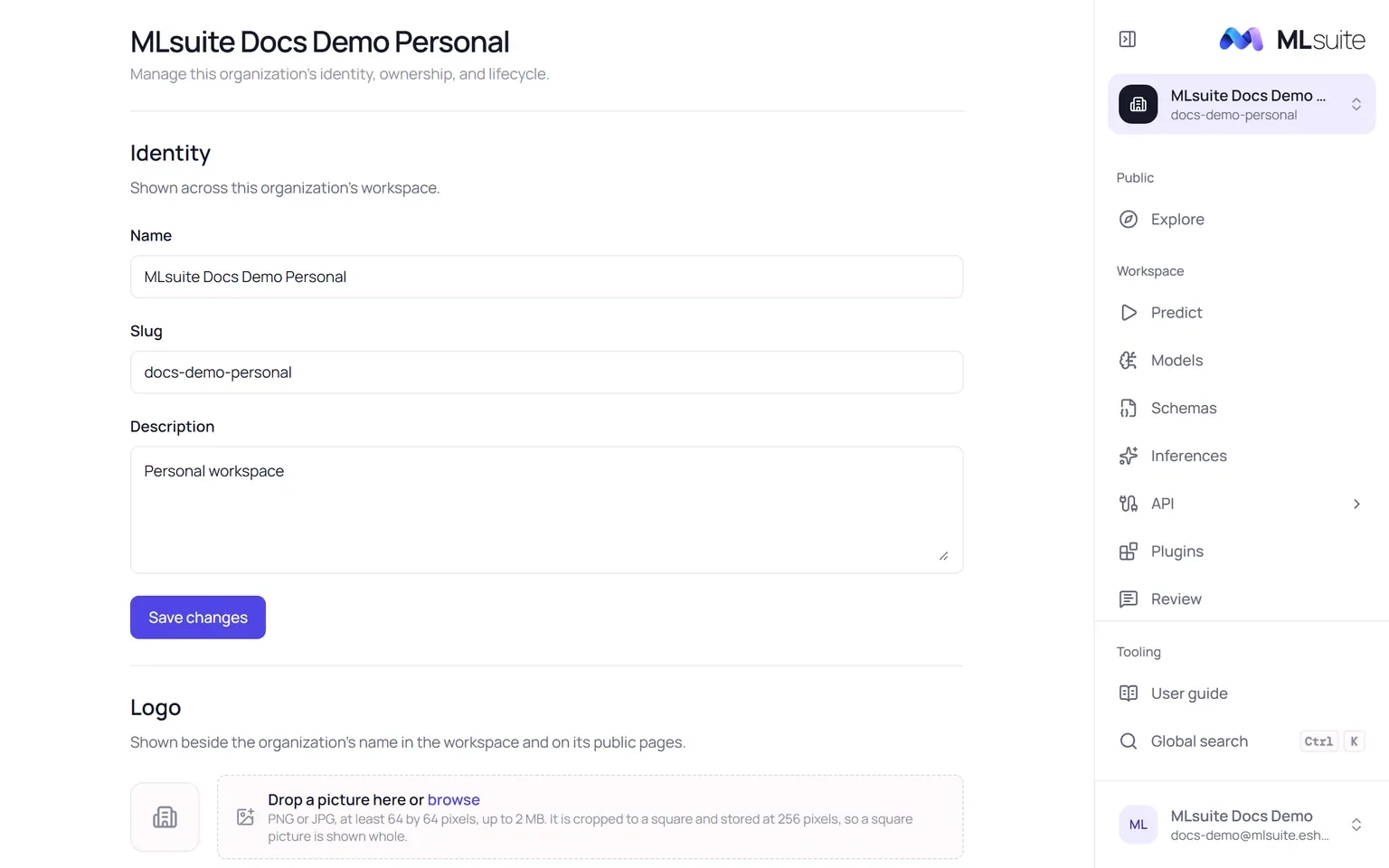
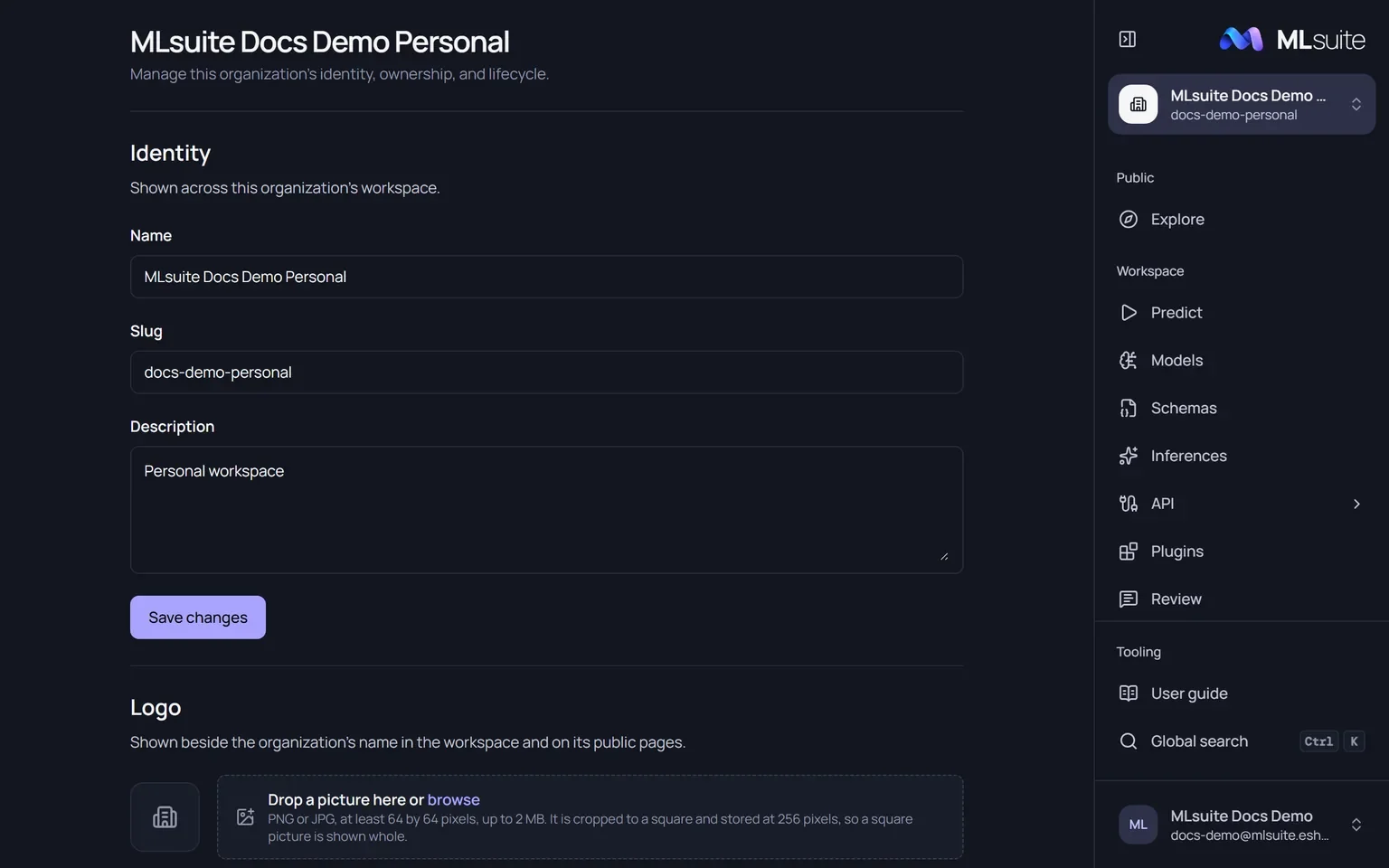
Identity : Name (up to 150 characters), slug (up to 120, unique on the instance) and description (up to 600). Choose Save changes.
Logo : Drop a PNG or JPG of at least 64 × 64 pixels and up to 2 MB. MLsuite keeps the centre square and stores it as a 256-pixel PNG, so a square picture is shown whole. The logo appears beside the organization’s name in the workspace, on its public pages and in link previews of them. Remove logo deletes it.
Ownership : An organization has one Owner. Transfer ownership (needs Transfer ownership) makes another active member the Owner; the previous Owner becomes Admin.
Danger zone : Delete organization (needs Delete organization) removes it permanently, but only an empty organization can be deleted: one without models, schemas, plugins, reviews, invitations or audit events. Any invitation ever sent, in any state, keeps it from being deleted.
There is no way to leave an organization yourself; a member with Remove members removes you.