
Inferences
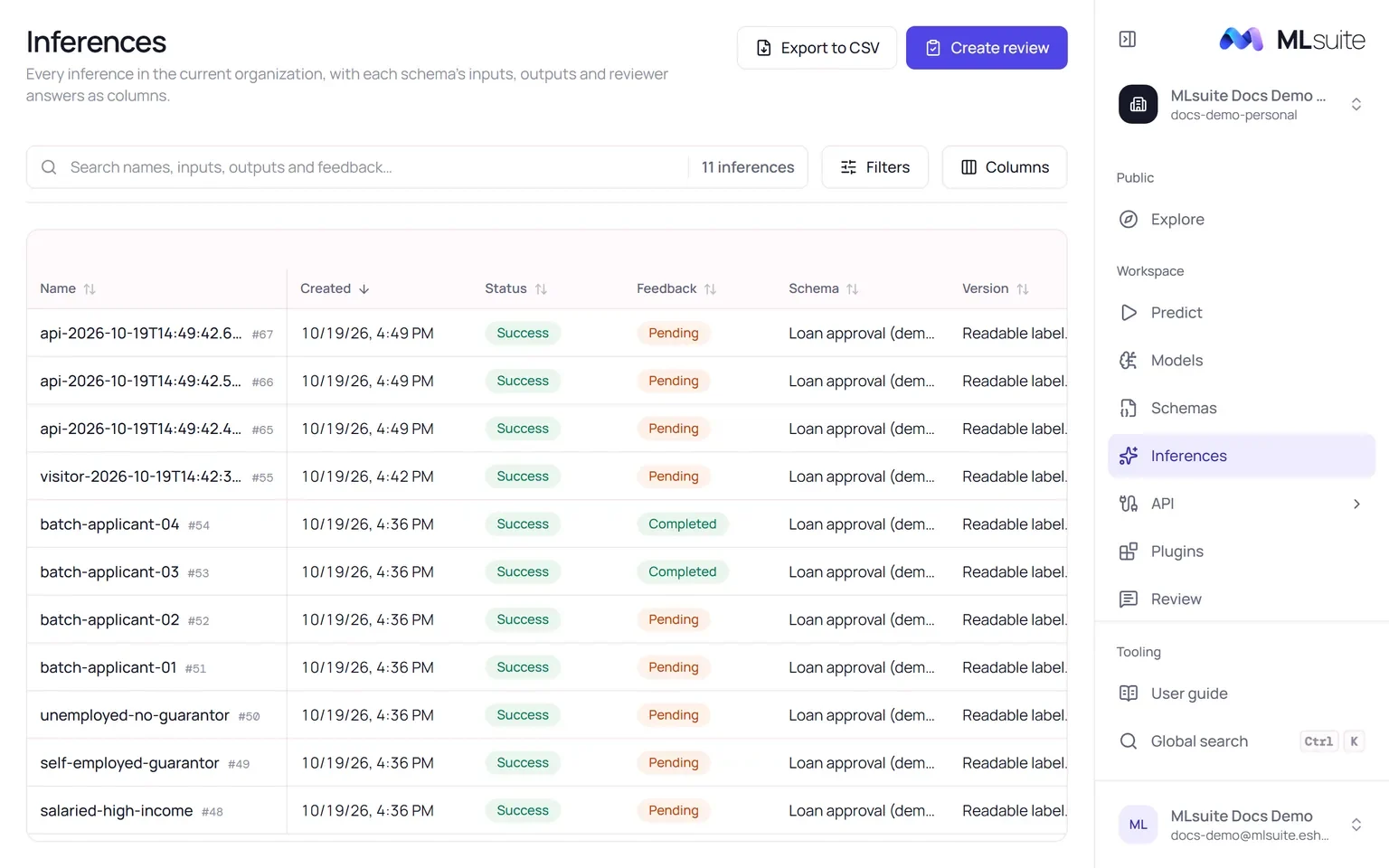
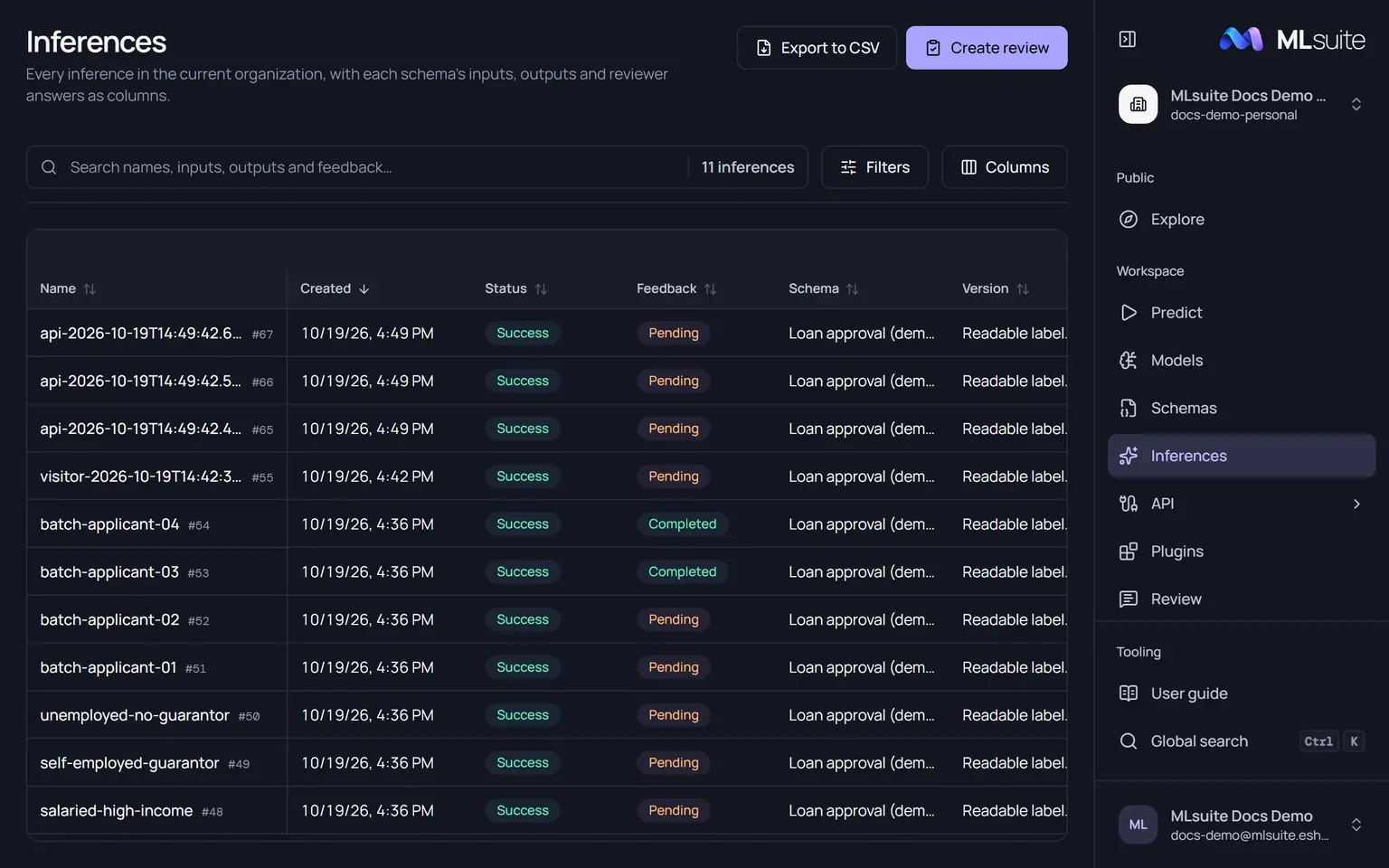
Inferences holds every saved run of the organization, whether it was made in the workspace, on a public page or through the client API. It is one table without pages: rows load as you scroll.
Columns
Section titled “Columns”The first columns summarize each run:
| Column | Shows |
|---|---|
| Name | The run’s name and its #id. |
| Created | When it was saved. |
| Status | Success, Partial success or Failed. |
| Feedback | Completed, Pending or Not configured: whether the review questions are answered. |
| Schema, Version, Bookmark | What ran. |
| Author | The member who ran it, the API client’s name, or “Visitor” for a public run without an account. |
| Origin | Workspace, Public page or API. |
Then, for each schema in the table, groups of Inputs, Outputs and Feedback columns: every input, every report’s result, and every reviewer’s answer to every question, named “<report> · <snapshot> · <question> · <reviewer>”. A value a run does not have shows “—”.
Columns chooses which columns to show, per schema, and remembers the choice on this device. Click a column header to sort; the default is newest first.
Search and filters
Section titled “Search and filters”The search box matches names, schema, bookmark, author, origin and the value of any cell, inputs, outputs and answers included.
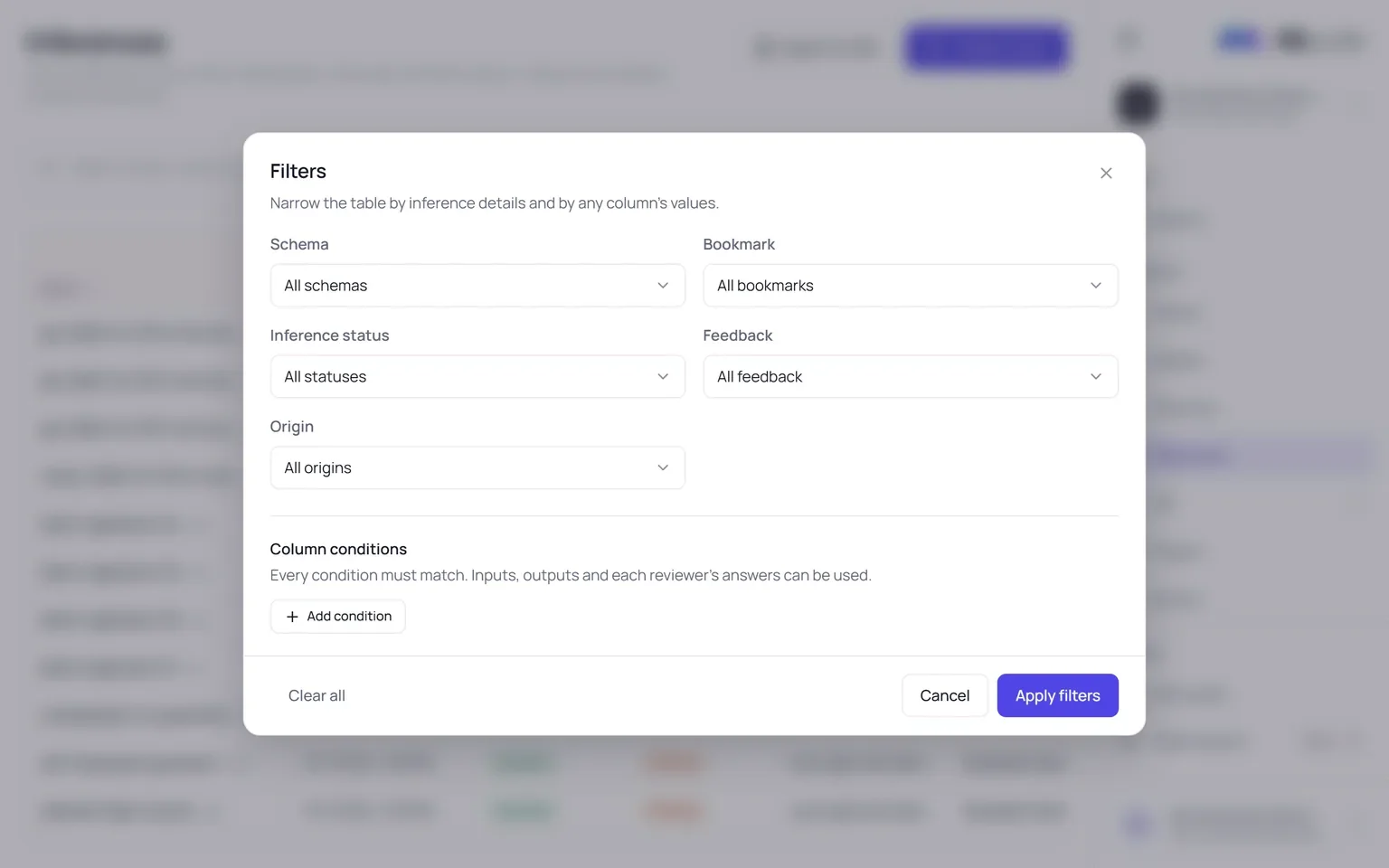
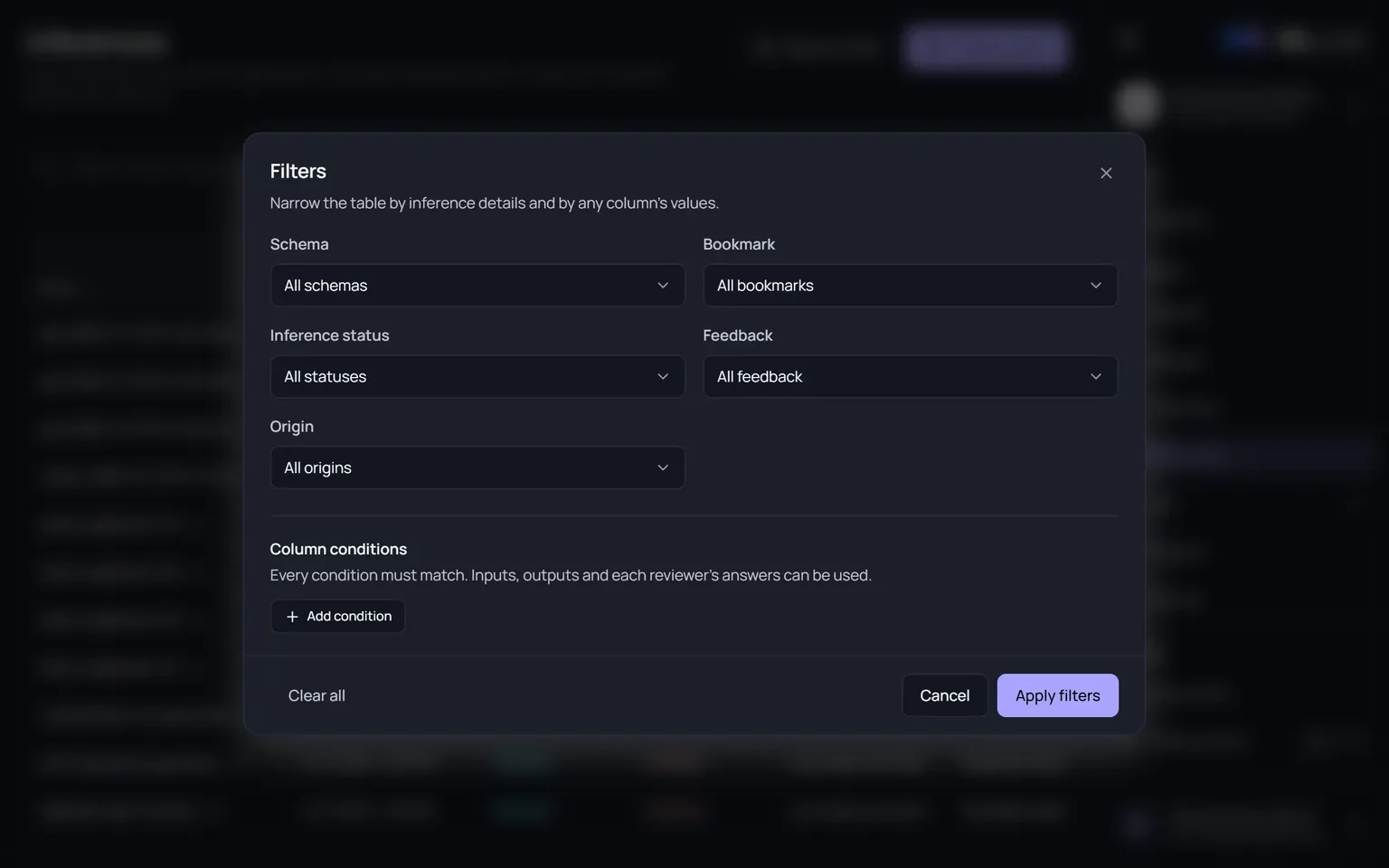
Filters opens one dialog applied as a whole:
| Filter | Options |
|---|---|
| Schema | All schemas, or one. |
| Bookmark | All bookmarks, Without bookmark, or one of the schema’s bookmarks. |
| Inference status | Success, Partial success, Failed. |
| Feedback | Completed, Pending, Not configured. |
| Origin | Workspace, Public page, API. |
| Column conditions | Conditions on any column. Text: is, contains, is empty, is not empty. Numbers: =, >, ≥, <, ≤, is empty, is not empty. Every condition must match. |
Search, filters and sort are kept in the address, so a filtered view can be shared as a link. Create review and Export to CSV start from the current filtered result.
The inference page
Section titled “The inference page”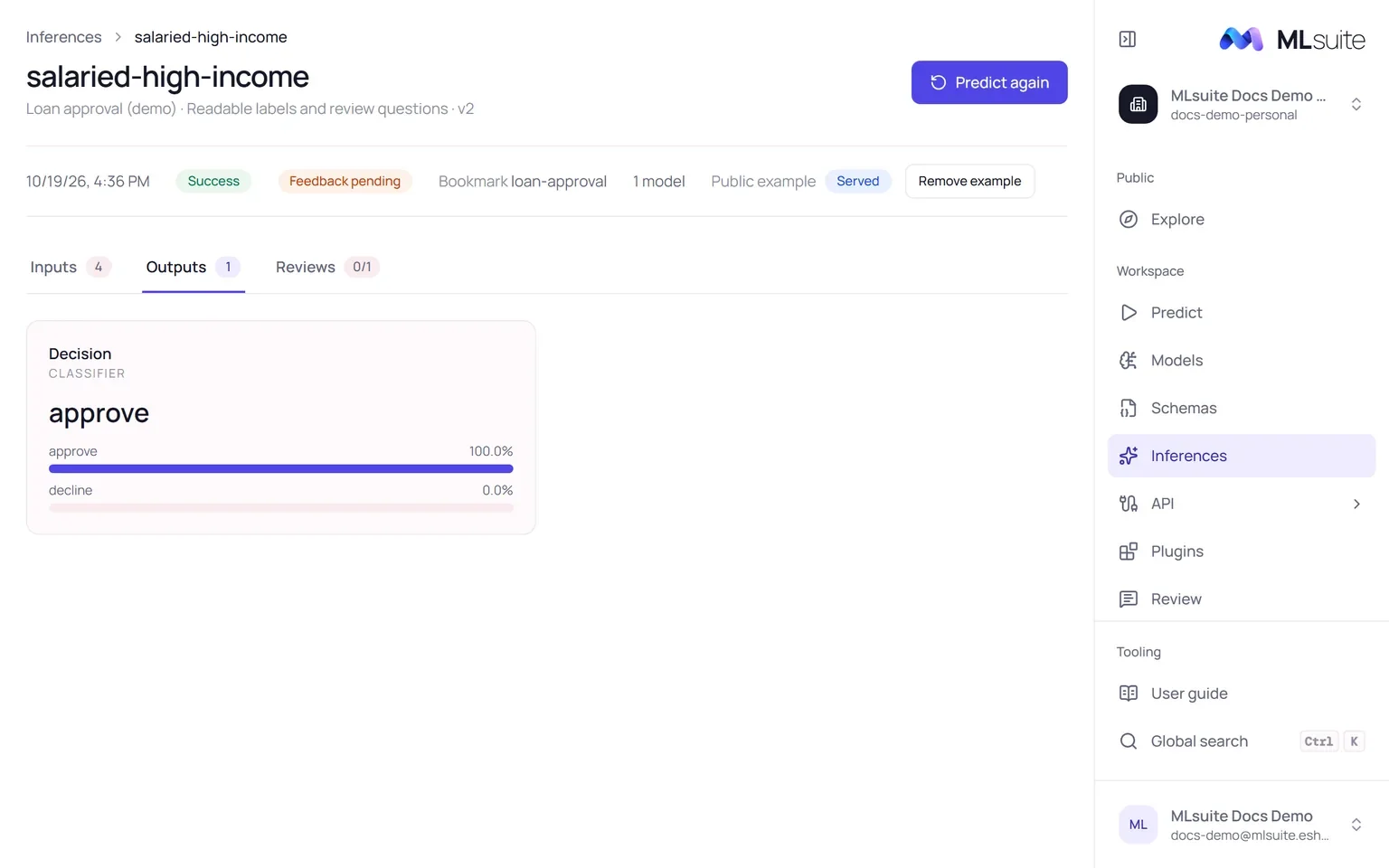
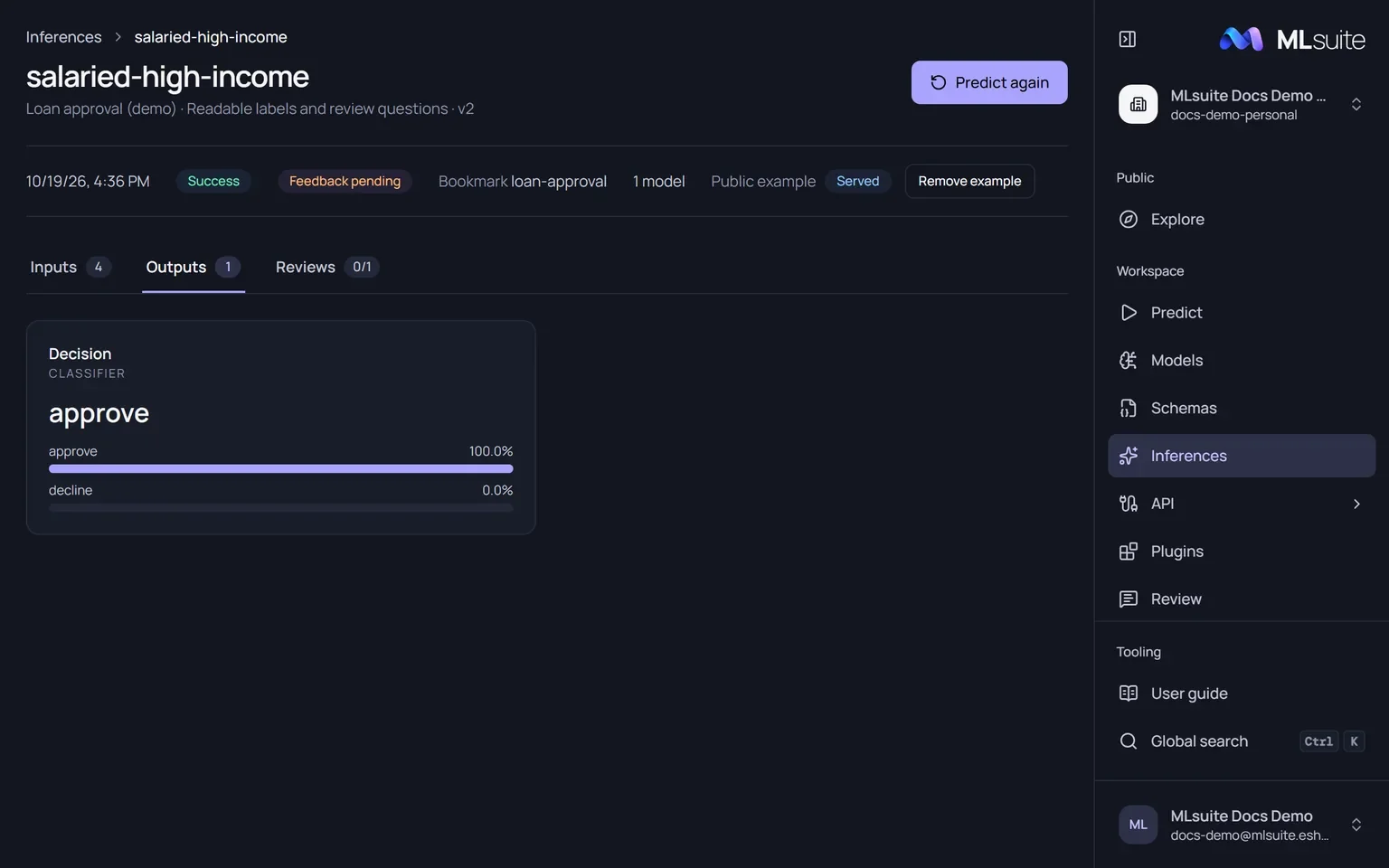
Click a row to open the run. The header names the schema and snapshot, and Predict again opens the bookmark with the form filled from this run. Below it: when it ran, its status, its feedback state, its bookmark, how many models it ran and the public example control.
| Tab | Shows |
|---|---|
| Inputs | Every input value, searchable. |
| Outputs | Each report as the run drew it: the prediction, class probabilities and any explanation. |
| Reviews | For members with Manage reviews: each reviewer assigned to this run and their answers. See Reviews. |
A run is always shown against the snapshot it ran on, even after the bookmark moved.
Delete an inference
Section titled “Delete an inference”Delete in a row’s menu removes the run for good (needs Run predictions). A run that belongs to a review cannot be deleted.