
Usage and requests
Every call made with a valid key is logged: client, key prefix, bookmark, status, problem code, duration and the inference it made. Features and outputs are never logged; they stay in the inference. The log is kept for 90 days by default.
Overview
Section titled “Overview”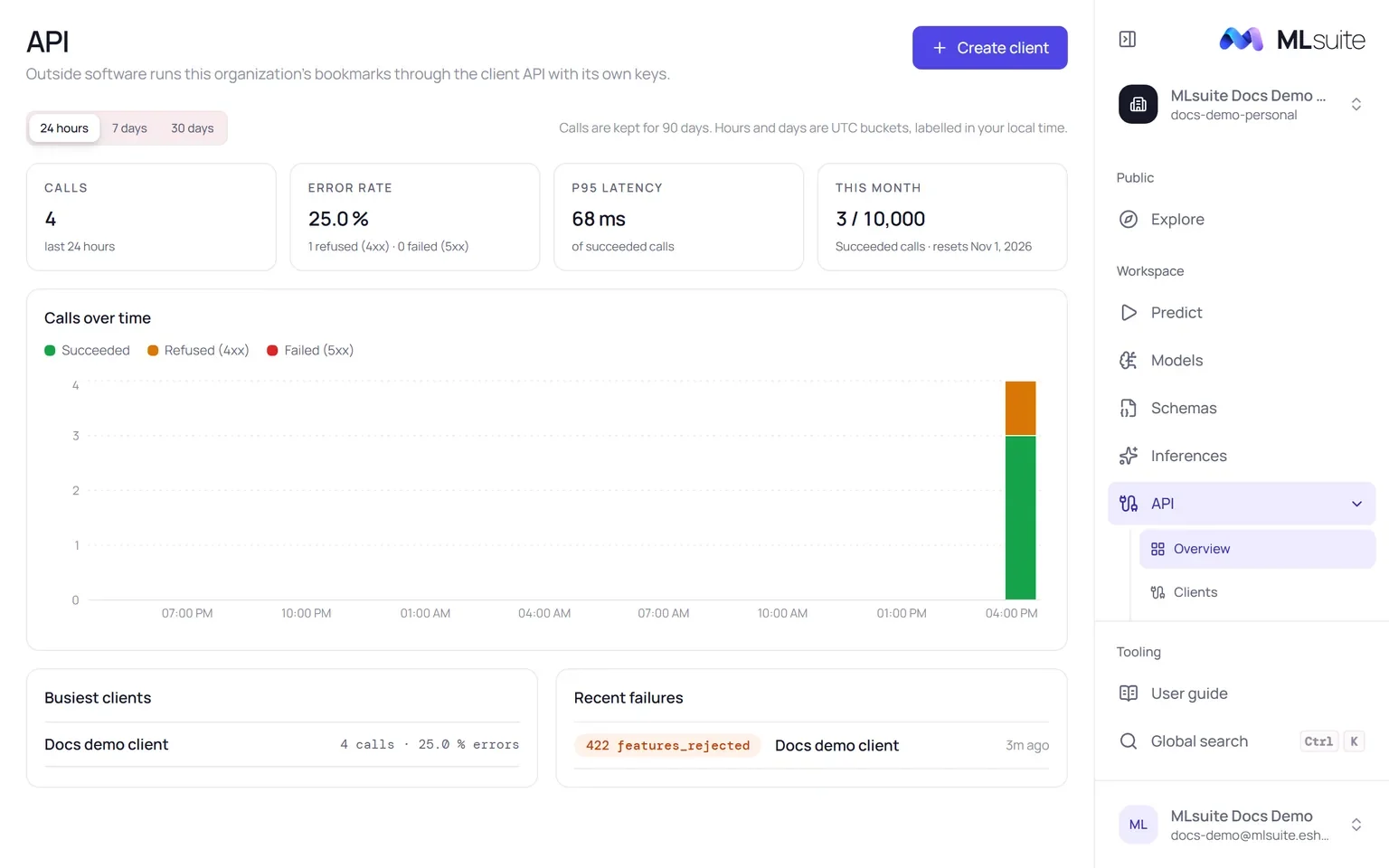
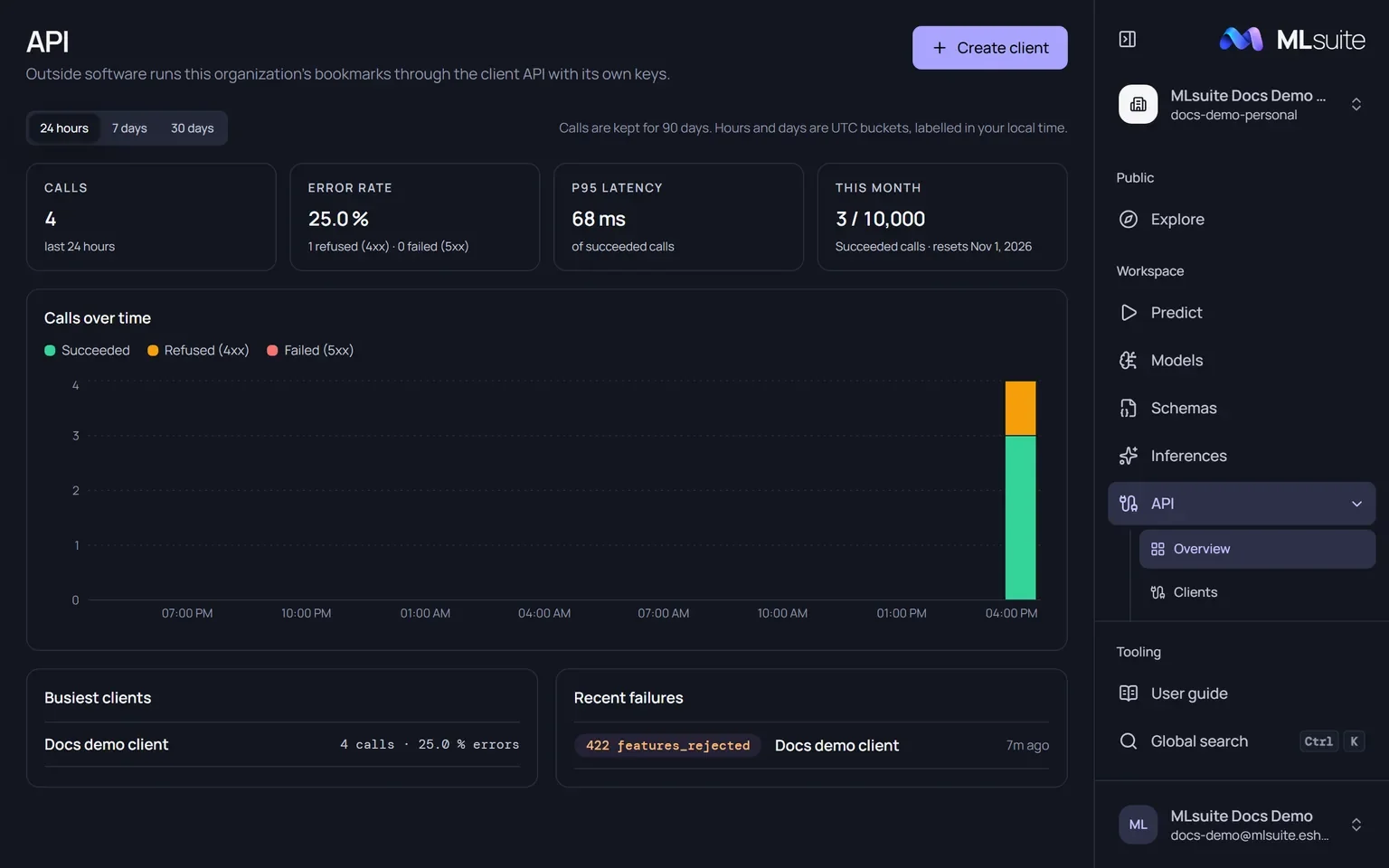
API shows the organization’s usage for the last 24 hours, 7 days or 30 days:
| Tile | Shows |
|---|---|
| Calls | All logged calls in the period. |
| Error rate | The share refused (4xx) or failed (5xx). |
| p95 latency | Of the calls that succeeded. |
| This month | Succeeded calls against the organization’s monthly limit, and when it resets. |
Below them, Calls over time stacks succeeded, refused and failed calls per hour or day (UTC buckets labelled in your local time), Busiest clients lists the top five, and Recent failures the last five refused or failed calls with their status and code. Each client’s Overview tab shows the same panel for that client alone.
Requests
Section titled “Requests”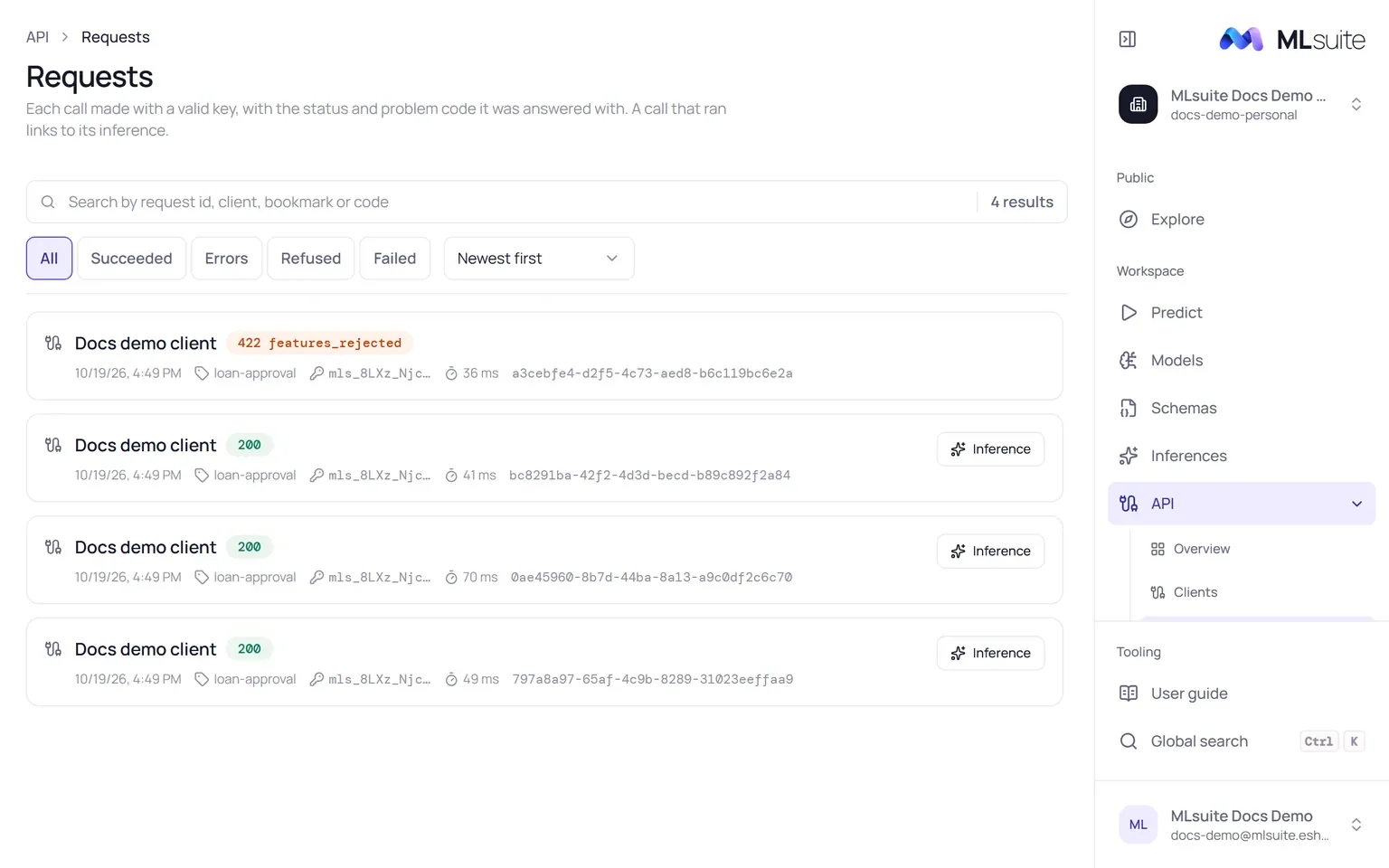
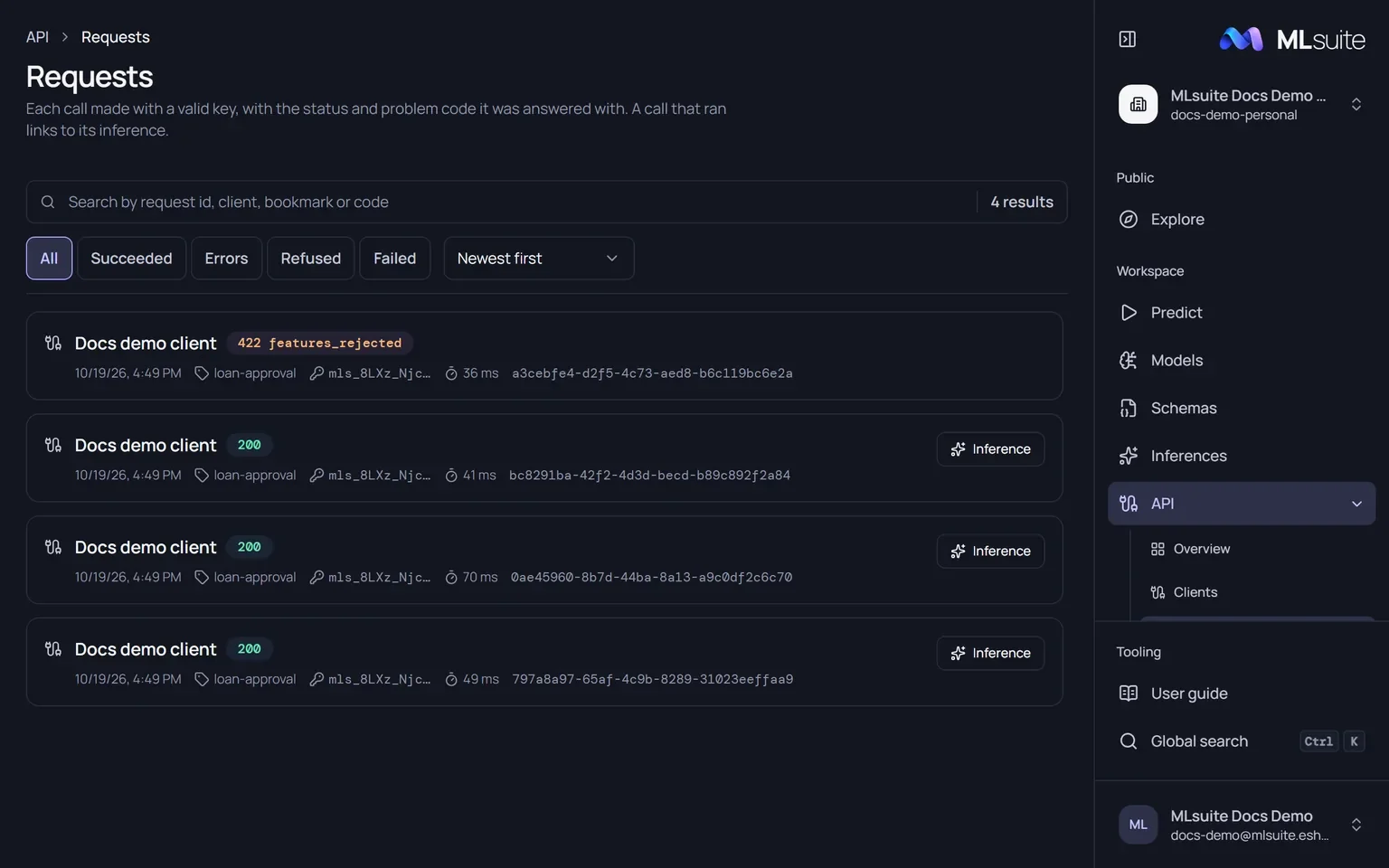
API › Requests, or a client’s Requests tab, lists calls newest first. Filter Succeeded, Errors, Refused or Failed, and search by request id, client, bookmark or code. Each entry shows the client, the status and code, the time, the bookmark, the key prefix, the duration and the request id; a call that ran links to its Inference.
Calls without a valid key, and calls whose body is not JSON, are refused before they are logged.
Limits
Section titled “Limits”| Limit | Default | Counted |
|---|---|---|
| Calls per client | 60 a minute | Every logged call of the client, per clock minute. |
| Calls per organization | 10,000 a month | Succeeded calls of all its clients, per calendar month in UTC. A superadmin can set another limit for an organization. |
| Concurrent runs | 2 on the instance | API runs in progress at once, separate from public-page runs. |
Past a limit, calls receive 429 or 503 with Retry-After; see the
error codes. Operators change the defaults through
configuration.